Here's a question almost no business owner asks until it's a fire: if your web designer vanished tomorrow, could you still get into your own website? A surprising number of people find out the answer is "no" at the worst possible moment — when the designer stops replying, doubles their price, or simply drifts off the planet. So let's dig into who actually owns a website, piece by piece, and how to make sure the answer is always you.
The short version
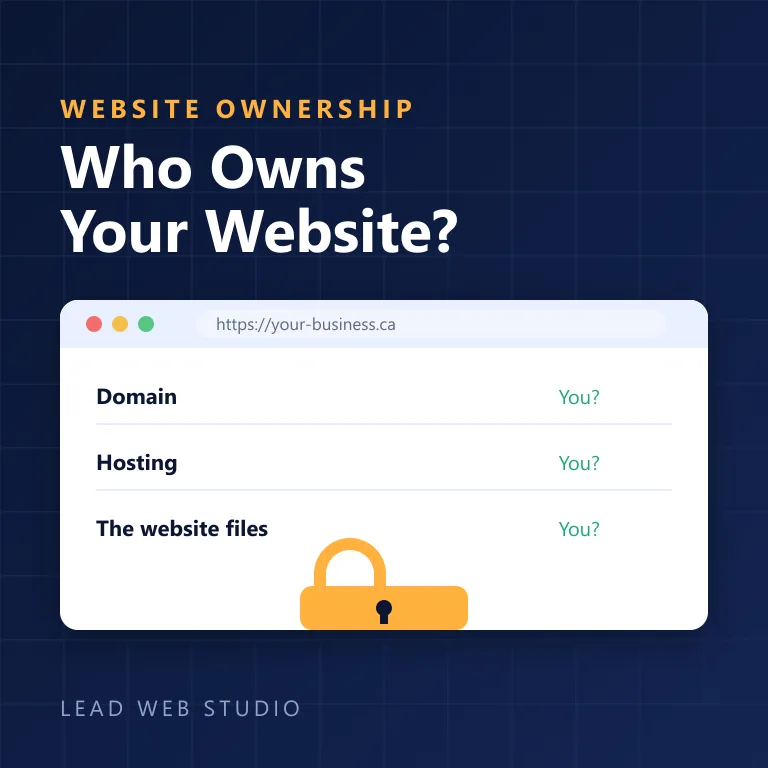
- A website is really three separate things: the domain (your address), the hosting (the server it lives on), and the files (the site itself). Ownership of each can sit with a different person.
- You're safe when all three — plus your Google and analytics accounts — are registered in your name and your email.
- The classic trap isn't malice; it's a designer creating everything under their account "to make it simpler." Simpler for them.
- You can check most of this in ten minutes. I'll show you how — and how I set it up so it never happens.
So who actually owns your website?
You do — if the accounts are in your name. Ownership isn't one thing you can hold; it's control of three separate accounts (domain, hosting, and the site files) plus the logins. Whoever's name and email those accounts sit under is, legally and practically, the owner. Everything else is a handshake.
That's the part nobody explains. People think "I paid for a website, so I own a website," the way you'd own a chair. But a website is closer to a house: there's the address, the land it sits on, and the building itself — and it's entirely possible to own the building while renting the land under someone else's name. Let's separate the three.
The three things everyone confuses
| The piece | What it actually is | Who should own it |
|---|---|---|
| Domain (your-business.ca) | Your address on the internet. Rented yearly from a registrar like GoDaddy or Namecheap. | You — always. This is the single most important one. |
| Hosting | The server your website files physically live on, so the world can load them. | You — in your name, even if your designer manages it. |
| The website files | The actual design, pages, images and code that make up the site. | You — you paid for it; you should have a copy. |
Here's the kicker: the domain is the one that really matters. Lose your files? Annoying, rebuildable. Lose your hosting? Move to a new one in an afternoon. Lose your domain to someone who won't hand it back? Now your email stops working, your Google listing points nowhere, your printed cards are wrong, and your customers land on a "this site is for sale" page. The address is the hostage worth taking.
You can rebuild a website in two weeks. You can spend two years fighting to get a domain back. Guard the address like it's the keys to your storefront — because it is.
The accounts that must be in YOUR name
Beyond the big three, a few accounts quietly run your online presence. If any of these live under a freelancer's personal login, you don't fully control your own business:
- Domain registrar account — where the domain is renewed. Non-negotiable; keep this yours.
- Hosting account — the server. Fine for a designer to manage, but the account and billing should be yours.
- Google Business Profile — the thing that puts you on the map. I've seen businesses locked out of their own Google Maps listing because an "SEO guy" verified it under his email. Recovering it is a headache.
- Google Analytics & Search Console — your traffic and search data. Losing these means losing your history the day you switch help.
Signs your website is quietly being held hostage
Nobody hands you a ransom note. It's subtler than that. Watch for these:
- You've never seen a login for your domain or hosting — the designer "takes care of all that."
- Your domain renewal invoice comes from them, not from a registrar you can log into.
- You ask for admin access and get "I'll make the change for you, just tell me what you need."
- The domain is registered to their name or email (you can check — see below).
- Every small edit costs money and comes only through them, with no way to do it yourself or hand it to someone else.
To be fair, most of the time this isn't a villain twirling a moustache. It's a busy freelancer who set everything up under their own account years ago because it was faster, and never thought about what happens when they move on, raise prices, or stop answering. The result is the same either way: you're stuck. Which is exactly why who maintains your site matters as much as who built it.
How to check what you actually own — in ten minutes
Don't take anyone's word for it, including mine. Verify:
- Check the domain. Go to ICANN Lookup (the official domain database) and search your domain. It shows the registrar and, unless privacy is on, the registrant. If privacy hides it, try logging into the registrar directly with an account in your email.
- Find your registrar and host. Can you log in to both, right now, without asking anyone? If yes — good. If you don't even know who they are, that's your answer.
- Check your Google accounts. Are you an owner (not just a manager) of your Google Business Profile? Do you have your own Analytics access?
- Ask for a backup. Request a full copy of your website files. A straight answer means a healthy setup; a stall means a conversation worth having.
The hostage setup vs. the honest one
| What matters | The trap | The right way |
|---|---|---|
| Domain registered to | The designer's account | Your account, your email |
| Hosting billed to | The designer | You (they can still manage it) |
| Your logins | "I'll handle it for you" | Handed over, in writing |
| Website files | Never leave their computer | You get a backup |
| Leaving them | You start from zero | You walk away with everything |
What to do if you're already locked out
First, don't panic and don't threaten — you may still need this person's cooperation. Then work the problem: identify your registrar and host (that ICANN lookup again), and contact them directly with proof the business is yours — invoices, business registration, ID. Registrars have a formal domain dispute process exactly for this. It's slower than a phone call but it works. And if the domain is truly gone and unrecoverable, the pragmatic move is sometimes to secure a clean new domain you fully control and rebuild — painful, but it ends the hostage situation permanently. (For what a rebuild costs, see how much a website costs in the GTA.)
One-line test for any web designer, before you hire them: "Will the domain and hosting be in my name, and will I get my logins and a backup?" If the answer is anything other than an immediate, cheerful "of course" — keep looking.
How I do it (the boring, transparent way)
Because I know you're wondering: when I build a site, your domain and hosting go in your name, on your email, and you get every login. I'll happily manage all of it for you through a support plan — that's my actual business — but the difference is you're choosing to keep me because it's easy, not because you're trapped. You could walk away tomorrow with your domain, your hosting and a full backup, and I'd wish you well. A client who stays because leaving is a nightmare isn't a happy client; they're a hostage with a nicer website. I'd rather earn it.
That's the whole philosophy behind how I run Lead Web Studio: fixed pricing, no lock-in, and you own your own business online — all of it.
Frequently asked questions
Who owns my website — me or my web designer?+
You should. If your domain, hosting and website files are registered in your name and you hold the logins, you own everything. Trouble starts when a designer creates those under their own account "to make it easier."
How do I check who owns my domain name?+
Search your domain on ICANN Lookup or any WHOIS tool. If privacy hides the details, log in to the registrar with your own account — if you can't, control may sit with someone else.
My web designer disappeared and I can't access my site. What now?+
Find your registrar and host, then contact them with proof the business is yours — invoices, business registration, ID. Registrars have a formal dispute process. Worst case, you rebuild on a domain you fully control.
Do I own my website if it's on WordPress, Wix or Squarespace?+
You own your content, and on self-hosted WordPress the files too. But Wix and Squarespace can't be moved off their platform — leaving means rebuilding. WordPress you can take with you, as long as the accounts are in your name.
Should I give my designer my domain and hosting logins?+
Temporary access is normal and needed to do the work. Just keep the accounts in your name and email — add them as a user or delegate. Never let the domain and hosting be created under their personal account.
Want a website you actually own?
Domain and hosting in your name, every login handed over, full backup — and optional support only if you want it. That's how I build.
Get My Free QuoteBefore you hire anyone: I wrote a companion guide on exactly this — how to vet a web designer before you hand over money. Ten minutes of checks beats months of regret.

10+ years and 120+ websites — built to be owned by the businesses they belong to. Read my full bio · Get in touch