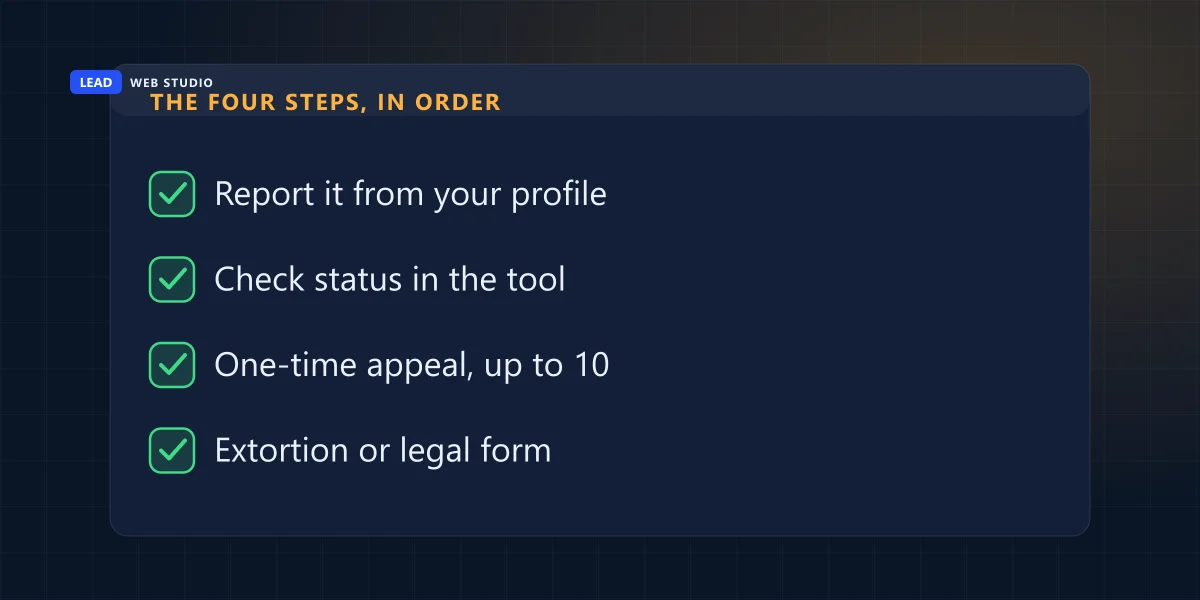
You can remove a fake Google review only by persuading Google that it breaks one of Google's own policies. There is no delete button for owners, no phone number that makes it vanish, and no "reputation agency" with a secret door. There is a report button, a status page, one appeal, and two special forms. This guide walks through all of them in the order you use them.
I manage Google Business Profiles for clients, so the 1-star review from someone nobody on staff has ever met lands on my desk too. The quickest way to waste a week on one is to report it with the wrong reason, burn the single appeal on a hunch, and then reply to it in capital letters. Let's not do that.
Can you actually remove a fake Google review?
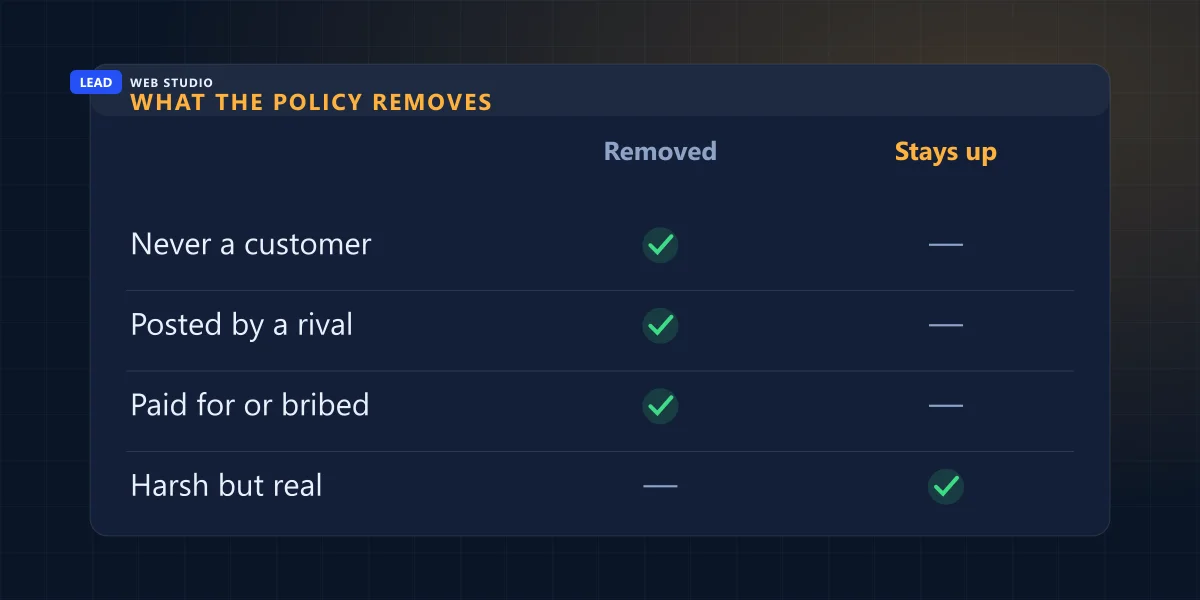
Yes, if it breaks a Google policy, and only then. Google's help page says you can report any review, but only those that violate Google policies are eligible for removal. A review from someone who was never a customer, a competitor, an ex-employee or a paid reviewer qualifies. A harsh review from a real customer usually does not.
The last sentence matters most. Google is blunt about it: "Do not report a review just because you disagree with it or dislike it. Google doesn't get involved in conflict between businesses and customers." So before you click anything, sort the review. The left column below is what you are looking at; the middle column is the line in Google's Maps content policy it falls under, quoted as written.
| What you are looking at | The policy line that covers it | Removable? |
|---|---|---|
| A name nobody on staff recognises, no detail of any job | "Content that is not based on a real experience" | Yes, if Google agrees it is fake |
| A rival business owner rating you | "Post content on a competitor's place or business to undermine that business' or product's reputation" | Yes |
| A former employee rating you | Conflict of interest, which "may include current or former employment" | Yes |
| The same complaint from several new accounts in one week | "Content that has been posted from multiple accounts by or at the request of one person" | Yes |
| "They are crooks and steal from clients", with nothing else | "Unsubstantiated allegations of unethical behavior or criminal wrongdoing" | Yes |
| A review that prints an employee's personal phone number | Personal information "posted without their consent" | Yes |
| A rant about taxes, politics or "businesses these days" | "general, political, or social commentary or personal rants" | Yes |
| A real customer, a real job, one star and a bad mood | "We do allow content that describes negative experiences in a respectful manner." | No. Reply instead |
One wrinkle on the personal-information row: the policy allows a person's name when they are "a public-facing professional conducting business under their name". If you are a realtor, a lawyer or a contractor trading as yourself, a review that names you is not a privacy violation. A review that names your receptionist and her home street is.
How do I report a fake Google review?
Open your Business Profile, choose Read reviews, select Report next to the review, pick the reason, and select Send report. That takes about a minute. Google says evaluation typically takes several days, and you follow the result in the Reviews Management Tool, not on the review itself.
The exact path, using Google's own menu names:
- Go to your Business Profile while signed in as an owner or manager. Searching your business name on Google and opening the profile panel works.
- Select Read reviews.
- Next to the review, select Report.
- Select the reason. Google's examples are "Spam" or "Profanity". Pick the reason that matches the row you landed on in the table above, not the one that sounds angriest.
- Select Send report. Then screenshot the review with its date, before anything changes.
If the reviewer's whole account looks like a factory, you can report the account as well as the review. Google's route for that is in the Google Maps app: Business, Reviews, tap the reviewer's name, then More and Report. A profile with twenty 1-star reviews of plumbers across three provinces in one afternoon is worth that extra minute.
What do the statuses in the Reviews Management Tool mean?
The Reviews Management Tool shows three statuses. Decision pending means nobody has looked yet. No policy violation means Google looked and is keeping it, which opens your one appeal. Escalated means your appeal is in, and the final answer comes by email.
- Decision pending
- Google's wording: "The review is flagged, but it hasn't been evaluated yet." Nothing to do yet but wait.
- Report reviewed - no policy violation
- "The review was evaluated, and no policy violation was found." Do not stop here: this status is the one that unlocks the appeal.
- Escalated - check your email for updates
- "The appeal has been escalated, and you'll get an email about the final decision." Watch the inbox of the Google account that owns the profile, not your personal one.
Those three are the only statuses Google lists. For a review that does break policy, Google says flagged reviews "are removed and will no longer show on Maps and Search". If you are counting reviews to check, the number on your profile can also move for reasons that have nothing to do with your report; I measured that across nineteen profiles in why Google reviews stop showing.
Can I appeal when Google finds no policy violation?
Yes, once. In the Reviews Management Tool choose the option to check a report and see appeal options, select Appeal eligible reviews, pick up to 10 reviews, and fill in the form. Google emails the result. There is no second appeal through that tool, so build the case before you press Submit.
The words "one-time" are doing a lot of work there. My rule is simple: never appeal on a feeling. Appeal when you can hand the reviewer of the appeal something they could not see the first time. That means:
- Your customer list searched for the name, and a sentence saying the name, phone and address match no booking, invoice or quote in your records since you opened.
- The pattern: the dates of every review in the cluster, and how many arrived in the same 48 hours. "Content exhibiting unusual volumes or patterns" is Google's own phrase; show them the volume.
- The connection, if there is one: the competitor's business name, the former employee's last day, a screenshot of the reviewer's other reviews.
- Direct links to each review. Google's extortion form asks for them, and they make any appeal easier to check. Google's Manage customer reviews help page explains how to share a link to a single review.
- The policy line, copied from the table above, so the person reading does not have to guess which rule you mean.
If you have ten bad reviews and three solid cases, appeal the three. A tidy appeal with evidence beats a bulk appeal with "all of these are fake, please help".
Someone is asking for money to remove 1-star reviews
That is a separate, faster lane, and Google has a dedicated merchant extortion report form for it. The pattern Google describes is "a sudden increase in 1-star and 2-star reviews on your Google Business Profile, followed by someone demanding money, goods, or services in exchange for removing the negative reviews."
Google's instructions on its extortion help page are short, and the first one matters most: "Do not engage with or pay the malicious individuals." Google's reason: paying "can encourage further attempts and doesn't guarantee the removal of reviews." What the form wants from you:
- Screenshots of every demand, with the date, time and sender visible: email, WhatsApp, Telegram, a text.
- Links to each suspicious review.
- Every name, username, email or phone number the demand came from.
- When the review spike started and when the first demand arrived.
Google notes that this channel is only for cases where you were directly asked for money or favours. A wave of 1-star reviews with no demand attached goes through the normal report and appeal above. If a stranger offers to "fix your reviews" for a fee right after a spike, put that message in the same form.
Five moves that make a bad review worse
Each of these feels reasonable at 11 p.m. Each one either breaks a rule, gives the reviewer more material, or puts your own profile at risk.
| Tempting move | Why not |
|---|---|
| Offer the reviewer a discount to delete it | Google forbids incentives "in exchange for posting any review or revision or removal of a negative review". |
| Ask staff, family or friends for 5 stars to bury it | Conflict-of-interest reviews are removable under the same policy. Canada's Competition Bureau warned in January 2024 that employees reviewing their employer or its competitors must disclose the connection, and that undisclosed ones can breach the Competition Act. |
| Report every negative review you have | Google says not to report reviews you merely disagree with. A pile of weak reports buries the strong one. |
| Reply with the "customer's" details to prove they are lying | Your reply becomes the post that shares personal information without consent. |
| Pay a service that promises removal | Nobody outside Google and the author can remove a review. You are paying for a report you could file yourself. |
If you want more good reviews to outweigh a bad one, that part is entirely legitimate, and I wrote down the asking system that works within Google's rules in how to get more Google reviews.
How should I reply to a fake review while Google decides?
Reply once, calmly, in two or three sentences. Say you cannot find the person in your records, invite them to contact you directly, and stop. The reply is written for the next customer reading your profile, not for the reviewer, and it stays up even if the review is later removed.
A version you can adapt:
Owner reply, adapt to your business
Hi, we take every review seriously, and we have checked our bookings and invoices: we cannot find a job under this name. If we did work for you, please call us at the number on this profile with the address or invoice number, and we will look into it the same day.
— Name, Owner
No sarcasm, no "nice try", no essay on how hard you work. If the review is real after all, this reply has just opened the door to fixing it. If it is fake, a stranger reading it sees a business that checks its records and answers its phone.
When it goes beyond Google's rules. If a review makes specific false claims that you believe break the law, Google has a separate form to report content under local law. Whether a particular review is defamatory in Ontario is a question for a lawyer, not for me: I build websites and manage profiles, and I do not practise law. If you have been targeted with fake reviews as part of a scheme, the Competition Bureau also takes reports on its website.
Frequently asked questions
Can I delete a Google review from my own Business Profile?+
No. Owners and managers can reply to a review and report it, but there is no delete button. A review only comes down when Google decides it breaks a policy, or when the person who wrote it deletes or edits it themselves.
How long does Google take to remove a reported review?+
Google says review evaluation typically takes several days. You can follow the report in the Reviews Management Tool, where it shows Decision pending until someone has looked at it. There is no published deadline for appeals; Google sends the result by email.
Will Google remove a negative review that is unfair but real?+
Almost certainly not. Google's help page says not to report a review just because you disagree with it, and its content policy allows content that describes negative experiences in a respectful manner. For a real but unfair review, a short factual reply does more for you than a report.
Can I pay someone to remove bad Google reviews?+
No legitimate service can remove a review that Google has decided to keep, because only Google and the author can take it down. Anyone who offers to remove reviews for a fee, or who left them and now asks for money, is the problem rather than the fix. Google tells merchants not to pay and to use its extortion report form instead.
Can I offer a customer a discount to change their review?+
No. Google's content policy forbids offering payment, discounts, free goods or services in exchange for posting a review or for the revision or removal of a negative review. Fixing the customer's actual problem is allowed; making the fix conditional on the review is not.
How many times can I appeal a Google review decision?+
Once per review. After a report comes back as no policy violation, the Reviews Management Tool lets you submit a one-time appeal, and you can select up to 10 eligible reviews in a single appeal. Write it with your evidence ready, because there is no second attempt through that tool.
Sources, read on 1 October 2026: Google Business Profile Help — Report inappropriate reviews on your Business Profile for the reporting steps, the three statuses, the one-time appeal and the 10-review limit; Report negative review extortion scams on your Business Profile for the extortion pattern, the do-not-pay instruction and the evidence list; Maps User Generated Content Policy — Prohibited & restricted content for every policy line quoted in the tables; Competition Bureau Canada, 18 January 2024 — Online reviews posted by employees: businesses could be liable.
Rather hand the reviews to someone else?
Replying to reviews, reporting the ones that break policy and keeping the profile healthy is part of my Google Maps management plan. Prices are on the pricing page; or run your profile through the free Google Business audit first.
Get My Free Quote
10+ years building websites for GTA trades, clinics and service businesses, and looking after their Google Business Profiles once the site is live. Read my full bio · Get in touch