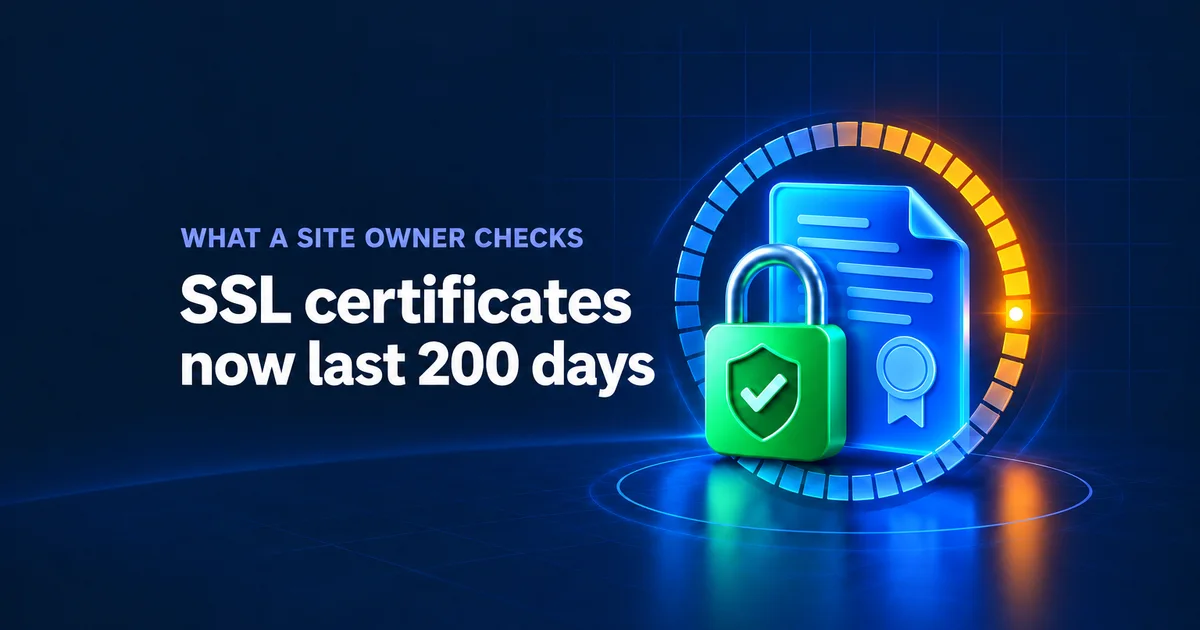
Since 15 March 2026 a new SSL certificate can last 200 days at most, and the limit keeps falling: 100 days in 2027, 47 in 2029. If your host gives you a free certificate that renews itself, you don't have to do anything. If someone bought a certificate and installed it by hand, that someone now has a job that comes back twice a year, and soon eight times.
Most articles about this change come from certificate sellers and hosting companies, so they land on either "panic" or "relax and switch to us". I wanted to know what it looks like on ordinary small business sites. So this morning I read the certificate that 24 live sites hand to every visitor: sites I built, host or look after, from a roofer to a notary to an art gallery. The results are below, and so is the one-minute check that tells you which group you're in.
What changed, and when the next cuts land
The CA/Browser Forum, where the companies that issue certificates and the four browser makers agree on rules, voted in April 2025 to shorten certificates in steps. Apple, Google, Microsoft and Mozilla all voted yes. Each limit applies on the day a certificate is issued, so the one already on your site keeps its original expiry date.
Let's Encrypt, the free issuer behind most small business sites, runs its own, shorter schedule on top. Both are on one line here, because both decide how often your site needs a new certificate:
- 15 March 2026all issuersMaximum drops from 398 days to 200. This is the rule in force today.
- 10 February 2027Let's EncryptIts default certificate goes from 90 days to 64.
- 15 March 2027all issuersMaximum drops to 100 days.
- 16 February 2028Let's EncryptDefault certificate goes to 45 days.
- 15 March 2029all issuersMaximum drops to 47 days, and proof that you control the domain can be reused for only 10 days.
The reason is boring and sensible: if a certificate's private key is stolen, a short certificate stops being useful to the thief sooner. The side effect is the part that matters to you. Nobody can keep up with 47-day certificates by hand, so everything moves to automatic renewal.
What I found on 24 live sites this morning
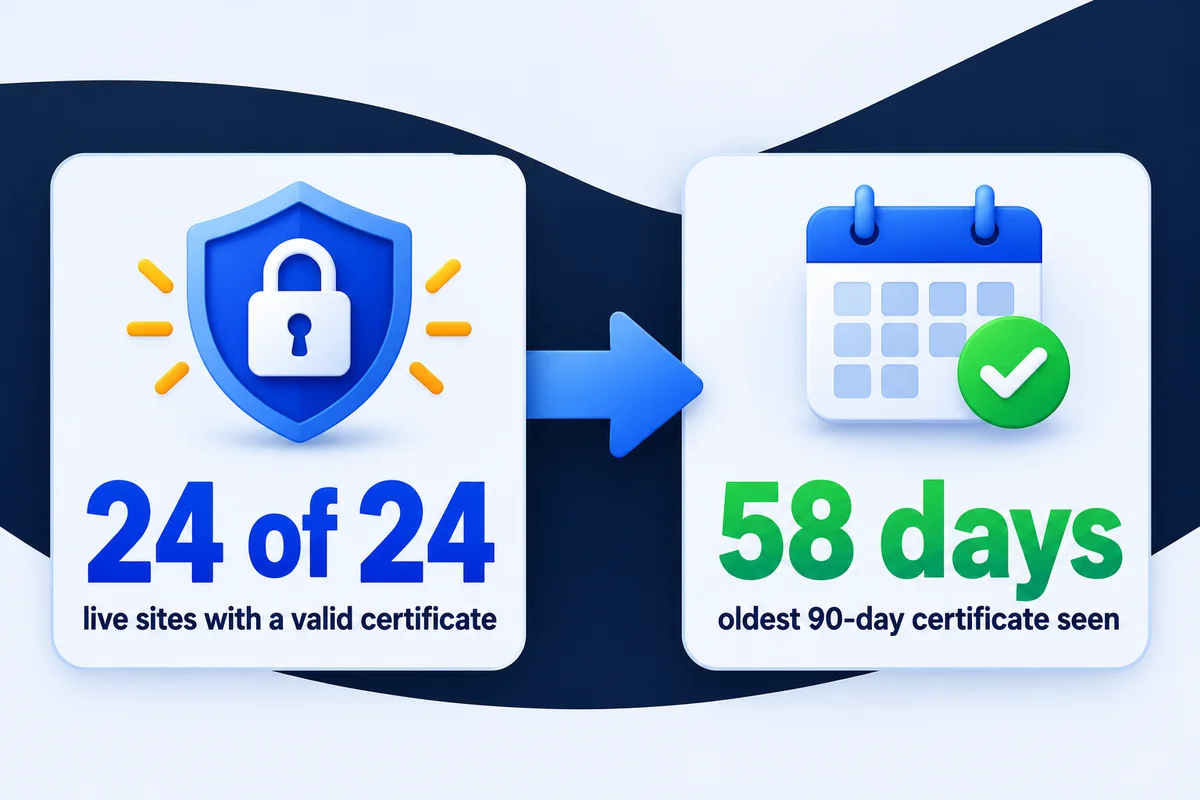
All 24 certificates were valid and trusted. Twenty came from Let's Encrypt, two from Google Trust Services and two from GoDaddy. None of the 90-day certificates was older than 58 days, which is exactly what working automatic renewal looks like: they get replaced before they get old.
I read each certificate with a plain connection to the site, the same handshake a browser does, without loading a page. Grouped by who issued them:
| Issued by | Sites | Lifetime | Oldest seen | Fewest days left |
|---|---|---|---|---|
| Let's Encrypt (free, through the host) | 20 | 90 days | 58 days | 32 |
| Google Trust Services (sites behind Cloudflare) | 2 | 90 days | 28 days | 62 |
| GoDaddy (sites hosted at GoDaddy) | 2 | 198 days | 60 days | 138 |
Two things in that table are worth a second look. First, the two GoDaddy certificates were issued in September with a lifetime of 198 days. Before March they would have run for a year. So the new rule isn't a forecast any more, it's printed on certificates that ordinary businesses already have. Second, the 90-day certificates from Let's Encrypt are already shorter than the 200-day maximum, and have been for years. If your site is on one of them, the March change did nothing to you, which is why nobody noticed.
The sites belong to my clients, so I describe them by issuer only. Their owners have never renewed a certificate in their lives, and I'd like to keep it that way.
How many times a year does someone install it by hand?
Divide 365 by the lifetime. A certificate installed by hand used to mean one job a year. Under today's rule it's two, from March 2027 it's four, and from 2029 about eight. Renew a little early each time, as you should, and the 47-day certificate turns into a job almost every month.
Until March 2026
1
install a year at 398 days
Now
2
installs a year at 200 days
From March 2027
4
installs a year at 100 days
From March 2029
8
installs a year at 47 days
Each of those jobs is a chance to forget. A person who renews something once a year writes it on the calendar and moves on. A person who has to do it every six weeks either automates it or eventually goes on vacation at the wrong moment. If you've ever read my piece on hosting cart add-ons that quietly bill you every year, you know where the paid "premium SSL" sits in that cart. Under the new rules it also comes with homework.
How to read your own certificate in one minute
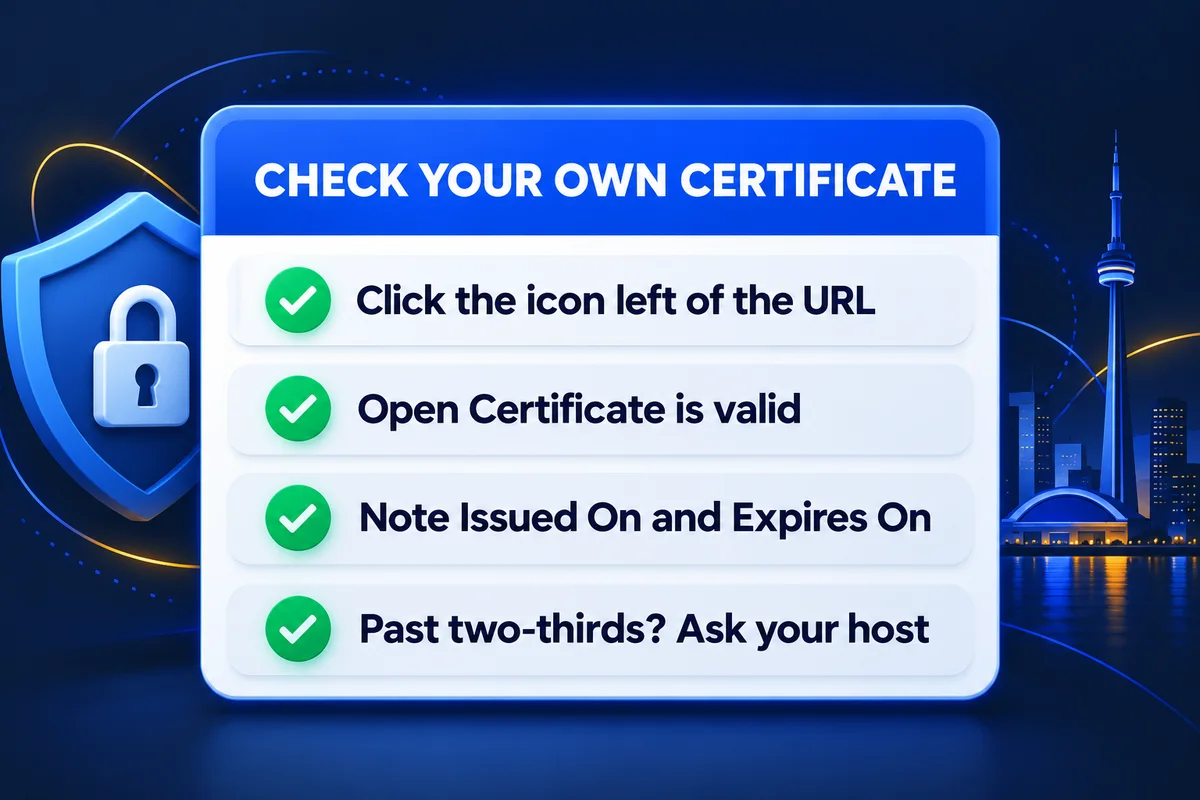
Open your site in Chrome on a computer, click the small icon to the left of the address, then "Connection is secure" and "Certificate is valid". The window that opens shows who issued the certificate, the date it was issued and the date it expires. Those three lines answer everything else in this article.
- Type your own address into Chrome and let the page load.
- Click the icon just left of the address (it looks like two small sliders).
- Click "Connection is secure", then "Certificate is valid".
- On the General tab, find "Issued By", then "Issued On" and "Expires On" under Validity Period.
- Write the three down with today's date. You'll compare them in a few weeks.
The "Issued By" line tells you who probably renews it:
- Let's Encrypt
- Free, 90 days, almost always renewed automatically by your host's panel (cPanel and Plesk both do it). Nothing to buy.
- Google Trust Services
- Usually means your site sits behind Cloudflare, which issues and renews this one itself.
- GoDaddy, Sectigo, DigiCert
- Often a paid certificate, or one bundled with a hosting plan. Ask the seller whether they install the renewals or you do.
- Your own company name, or nothing trusted
- A self-made certificate. Visitors see a warning. Fix this before anything else in this article.
The two-thirds test: is renewal actually running?
Let's Encrypt asks the software that renews its certificates to do it at about two-thirds of the way through the lifetime. That gives you a simple test. Count how many days old your certificate is. If it's well past two-thirds of its life and still the same one, renewal has probably stopped, and you have the remaining third to get it fixed.
A 90-day certificate, day by day:
On my 24 sites, the two oldest Let's Encrypt certificates were 58 days old with 32 days left. That's the edge of normal, right where renewal kicks in. If one of them were 80 days old, I'd be on the phone with the host today, because a certificate that should have been replaced three weeks ago won't replace itself in the last ten days either. For a 200-day certificate, the same test puts the line at about day 133.
The test also catches the sneaky failure: a renewal that ran fine but never reached the site. The renewal log says success, the visitor still gets the old certificate, and the expiry date in Chrome doesn't move. Chrome shows what your customers get, which is the only version that counts.
Who actually has to do something
If the certificate is free and your host or platform issued it, nobody has to do anything except glance at the dates twice a year. The work lands on sites with a certificate someone bought and installed by hand, and on anyone who still relies on a reminder e-mail that no longer comes.
| Your setup | What the change means | What to do |
|---|---|---|
| Free certificate from your host | Nothing new; it was 90 days already | The two-thirds test, twice a year |
| Site behind Cloudflare | Cloudflare renews the certificate visitors see | Same test on your address |
| Site builder (Squarespace, Wix, Shopify) | The platform issues and renews it | Nothing |
| Paid certificate installed by hand | Two installs a year now, four from March 2027 | Ask who installs it; consider a free automatic one |
| Waiting for Let's Encrypt's reminder | Those e-mails stopped in June 2025 | Use a monitor, or a plan where someone watches |
A paid domain-validated certificate gives the same padlock and the same encryption as a free one. I set up the free automatic kind on every site I build, as part of launch, and I've never had a client ask for the paid one back. On sites under my website maintenance plan uptime is monitored every day, so an expired certificate would show up as a problem on my side before it turned into a warning on yours.
One more thing will get more common as renewals get more frequent: fake renewal e-mails. "Your SSL certificate expires in 3 days, click here to renew" is a classic phishing letter, and a real renewal from your host never needs you to type a card number into a link. I wrote up the usual ones in website security basics for small businesses. And if the warning page is already up, start with my checklist for finding why a website looks down; an expired certificate is one of its rows, and it's the easiest one to fix.
Questions owners ask me about certificates
Does the 200-day limit cut short the certificate I already have?+
No. The limit applies on the day a certificate is issued. A one-year certificate issued before 15 March 2026 runs to its original expiry date. The next one you get, whether a renewal or a reissue, follows the rule of the day it is issued.
Is a paid SSL certificate better than a free one for a small business site?+
For a normal business website, no. A free Let's Encrypt certificate gives the same padlock, the same encryption and the same browser trust as a paid domain-validated one, and your host renews it for you. A paid certificate makes sense when a contract or a bank asks for an organization-validated one by name.
Will a shorter certificate hurt my Google ranking?+
Nothing Google has published ties ranking to how long a certificate lasts. What hurts is an expired one: every browser shows a full-page warning before your site, and most visitors leave right there. A certificate that renews on time, whatever its length, is invisible to customers and to Google.
Does Let's Encrypt still e-mail me before my certificate expires?+
No. Let's Encrypt announced in January 2025 that it would stop sending expiry reminder e-mails on 4 June 2025. If you want a warning, use an uptime or certificate monitor, or a maintenance plan where someone already watches the site.
What does a visitor see on the day a certificate expires?+
A full-page warning that says the connection is not private. In Chrome the small print reads NET::ERR_CERT_DATE_INVALID. The site itself is still running, but a visitor has to click through a warning to reach it, and a contact form or checkout behind that warning gets very few submissions.
Sources, read on 31 October 2026: CA/Browser Forum, Ballot SC-081v3 and the TLS Baseline Requirements (relevant dates table); Let's Encrypt, Decreasing Certificate Lifetimes to 45 Days and Ending Support for Expiration Notification Emails. Certificate readings: the certificate presented by each of 24 websites I build, host or maintain, read on the morning of 31 October 2026.
Not sure who renews yours?
Send me your website address and I'll read your certificate: who issued it, how old it is, and whether it looks like it renews by itself. If you'd rather never think about it, my maintenance plan watches it for you.
Get My Free Quote
I hand-code websites for service businesses around the GTA and keep them running afterwards: hosting, certificates, backups and the boring checks nobody else wants. Read my full bio · Get in touch