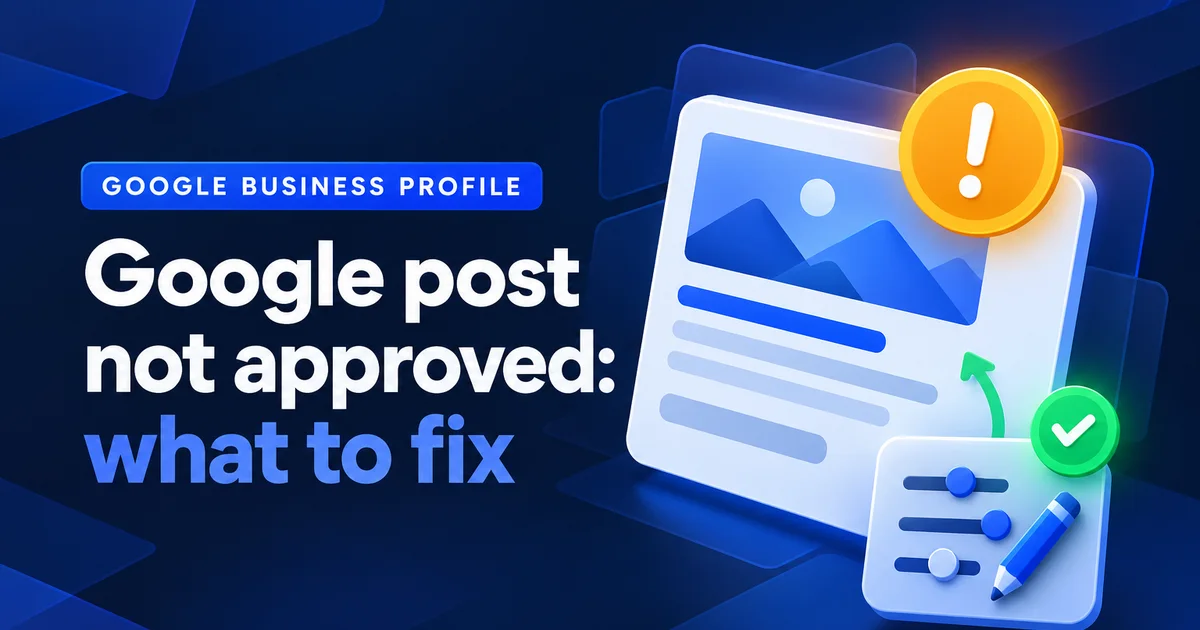
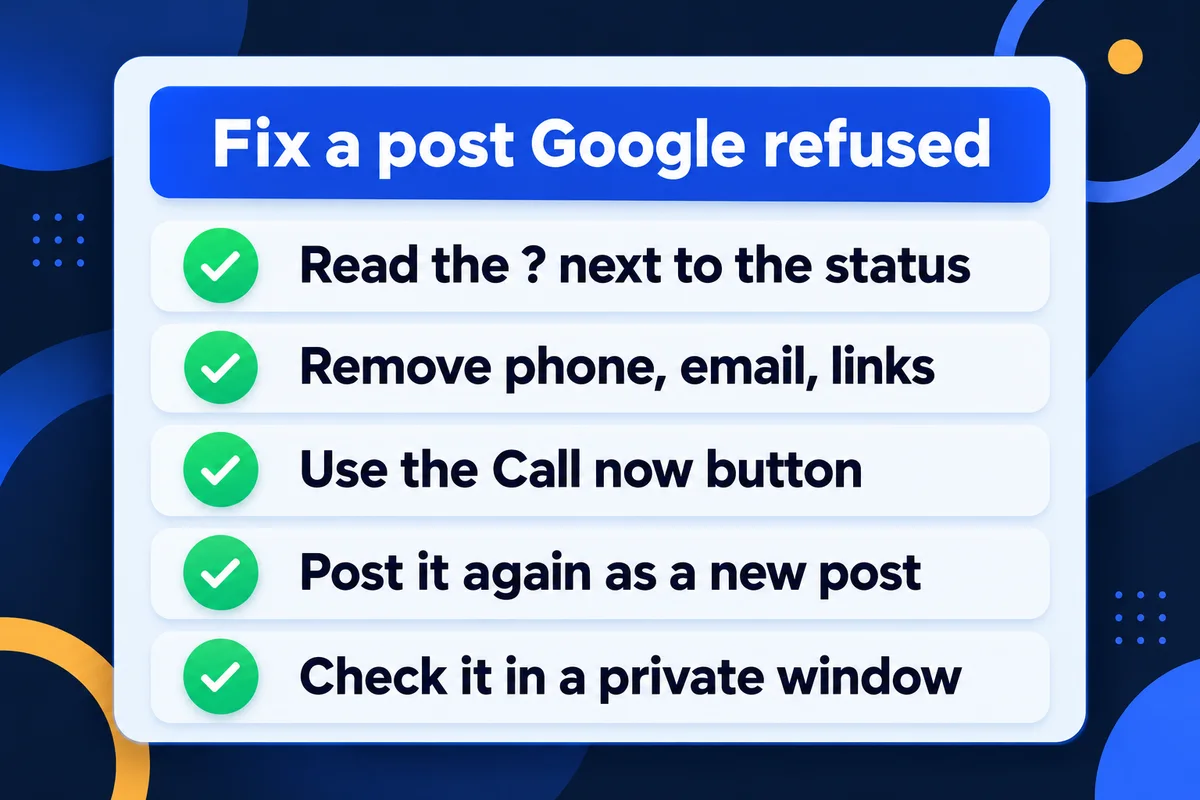
When a Google Business Profile post says "Not approved", click the small question mark next to that status: it names the policy the post broke. Most of the time it's contact details in the text, usually a phone number. Take them out, put the number on the Call now button instead, and publish the text again as a new post.
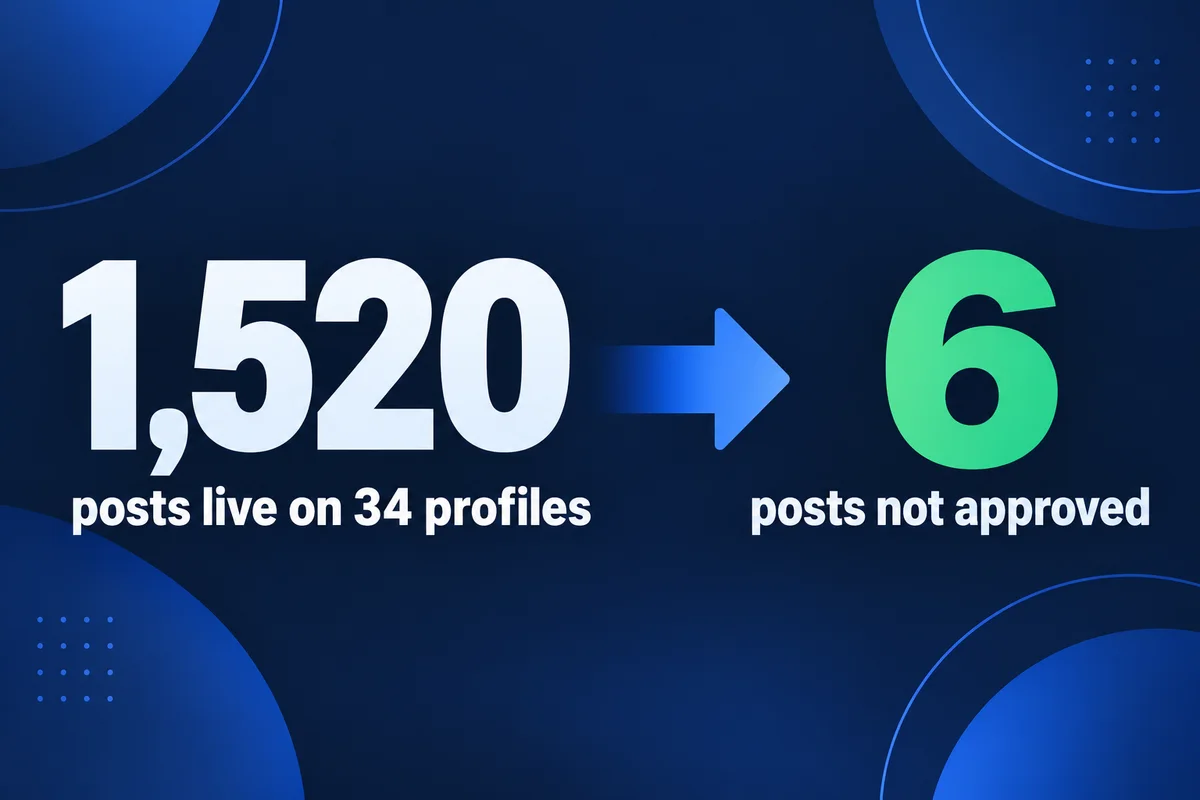
I didn't guess that from a forum thread. This morning I pulled the status of every post on the 34 Google profiles I look after, through Google's own Business Profile API. That's 1,527 posts going back to 2021. Six were refused. Reading those six next to the 1,520 that went live told me more than any list of "top 10 reasons" I've seen, and I've seen a lot of them, most of them written by people selling a scheduling app.
Where Google shows the reason
Google doesn't e-mail you the reason. It sits in the profile itself: open your posts, find the one with the status Not approved, and click the question mark beside it. Google's help page on posts says that question mark shows which content policy the post goes against. A refused post doesn't appear on Search or Maps.
A post can be in one of three states, and each one asks something different of you:
Live
Customers can see it on Search and Maps. Nothing to do. After six months it gets archived unless it has a date range, which is normal and isn't a refusal.
Pending
Google is still checking it. Leave it alone. Posting the same text again while it waits only gives Google two copies to judge.
Not approved
Refused, and invisible to customers. Click the question mark, read the policy it names, and fix that one thing.
One warning if someone posts for you with a tool. Google's API answers "success" the moment it accepts a post, before the check runs. A tool that never reads the status back will happily tell you the post is out while your customers see nothing. I learned that on a profile I post for every week: in September one post was refused hours after the API said fine, and I only caught it because my script reads every post's state again after publishing.
What the six refused posts had in common
Four of the six had a phone number in the text. Three of those also carried a fax number and an e-mail address. The other two were one-line product posts with no contact details at all, where Google never gave a reason I could check. None of the six was refused for an emoji, a missing photo or being an offer.
Here they are, one row each. I've described the businesses instead of naming them, because they're my clients and this isn't their confession booth.
| Posted | Business and post | What was in the text | Most likely cause |
|---|---|---|---|
| Sep 2021 | Roofing company, new roof photo | Phone, fax and e-mail written out, plus a Call button | Contact details |
| Sep 2021 | Same company, second roof | The same three contact lines | Contact details |
| Sep 2021 | Same company, hiring post | Four job titles, then phone, fax and e-mail | Contact details |
| Dec 2021 | E-bike shop, one product | 64 characters of motor and battery specs, an Order button | Not shown; too thin to read as news |
| Jul 2022 | Same shop, another bike | 68 characters of specs, a Learn more button | Not shown; same pattern |
| May 2026 | Window cleaning, spring offer | A 15% coupon, a checklist, and "Call" with the number at the end | Phone number |
The last column is my reading, not Google's. For the four with contact details I'd bet my coffee on it. For the two e-bike posts it's an educated guess: a model number and a wattage aren't an update about a business, and both were written like a price tag.
What the live posts prove is just as useful, because it rules out the things people usually blame:
- 309
- live posts contain emoji. Emoji alone don't get a post refused.
- 43
- live posts have no photo at all. A photo isn't required.
- 206
- live posts are offers with a discount or a coupon. Offers are fine for most businesses (Google's policy page does bar hotels from offer posts).
- 4
- live posts do carry a phone number. So a number isn't an automatic refusal, it's a gamble.
Can a Google post include a phone number?
It can, but you're betting the whole post on it. Google's two help pages both say a number in the text may get the post refused when Google can't verify it belongs to your business, and they extend that to e-mail addresses and social media handles. The Call now button uses your verified number, so the number in the text adds nothing.
The two pages word it slightly differently, which explains why some posts with a number slip through:
"Posts that include a phone number in the post description might get rejected if they cannot be verified"
Google, Create & manage posts on your Business Profile
"we may remove posts with unverified contact information"
Google, Business Profile posts content policy
"Might" and "may" are Google for "we'll decide later". I don't run a business on "might". If you use a tracking number on purpose, the question of which number goes where has its own rules, and I went through them in where call tracking numbers are safe for local SEO.
This is how I'd fix a typical refused offer. It's an example I wrote for this article, built the way the refused one above was:
Refused
Spring special! 15% off window cleaning until May 31. Call 416-555-0142 or e-mail hello@example.ca to book.
Button: none
Fixed
Spring window cleaning, 15% off when you book by May 31. Inside and outside glass, screens and sills. Use code SPRING15 when you book.
Book linked to the booking page
The fixed one is also simply a better post. It tells the reader what they get, not how to reach someone who'll tell them.
Fix a refused post in this order
Change one thing at a time, and change the thing the question mark names first. If you rewrite the text, swap the photo and change the button all at once, a second refusal tells you nothing.
- Open the profile, find the post marked Not approved and click the question mark. Write down the policy it names.About a minute
- Copy the text somewhere safe before you touch anything.Seconds
- Take out every phone number, fax, e-mail address, social handle and web address from the text. Links belong on the button.Two minutes
- Add the Call now button, or Book or Learn more pointing at the right page of your site.One minute
- If the question mark pointed at the photo, swap it for a photo you took yourself of your own work.Five minutes
- Publish it as a new post. Once it shows Live, delete the refused copy so your list stays clean.One minute, then a wait
- Check it the way a customer would: search your business name in a private browser window and look for the post on your profile.One minute
If a clean post with no contact details still comes back refused, stop resubmitting. Something on the profile itself may be restricted, and I'd look at the profile's own status first; the signs of a bigger problem are in my guide to getting a suspended Google Business Profile back.
Are Google posts worth the trouble?
For customers, yes: a recent post shows a profile is run by someone awake. For rankings, nobody can promise you anything. Google's own page on local ranking names relevance, distance and prominence, and doesn't mention posts once. Anyone selling posts as a ranking trick is selling a story.
What posts do is answer the question a searcher has right now: is this place open, what's new, is there a deal. That's why I keep publishing them for the profiles I run, and why my Google Maps management plans come with 4, 10 or 30 posts a month. Since September, my publishing script refuses to send any post with a phone number in the text before Google ever sees it. Cheaper than finding out a week later.
If you're still deciding what to post at all, the profile's other half matters more: getting more Google reviews and replying to them moves more people than any update about your spring sale.
Questions owners ask me about refused posts
Does Google e-mail you when a post is not approved?+
In my experience, no. The post simply shows the status Not approved in your profile, with a question mark next to it. Clicking the question mark is the only place I have seen Google name the policy the post broke.
Can a refused post get my whole profile suspended?+
Google has not published a number of refused posts that leads to a suspension. Six refused posts in our records sat on profiles that are still live. Do not resubmit the same text again and again, though. Fix what the question mark points to first.
Can I put my phone number in the photo instead?+
Some people do, and it may pass today. I do not, because it is a way around the rule rather than a fix, and the Call now button already uses your verified number. A customer on a phone taps the button; nobody types a number off a picture.
Why did my old posts disappear if they were never refused?+
Google archives posts older than six months unless the post has a date range, such as an offer or an event. An archived post was not refused. It just reached the end of its life on the profile.
Sources, read on 30 October 2026: Google Business Profile Help, Create & manage posts on your Business Profile, Business Profile posts content policy and Tips to improve your local ranking on Google. Post counts come from the Business Profile API: every post on the 34 profiles I manage, read on 30 October 2026.
Posts keep getting refused?
Send me your profile link and I'll read the status of your posts and tell you what Google objects to. If you'd rather not think about it again, I can set up your Google profile properly and post for you every month.
Get My Free Quote
I build websites in hand-written code for service businesses around Toronto and run their Google profiles: posts, photos and review replies. Read my full bio · Get in touch