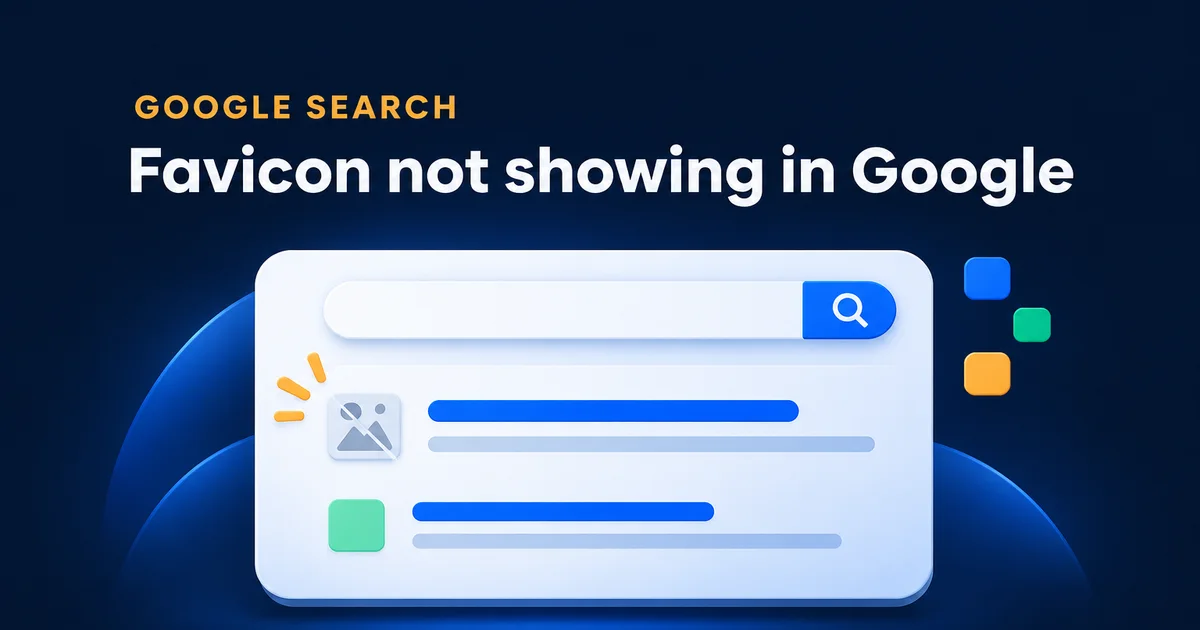
Search for your own business on your phone and look at the tiny picture to the left of your name, above the blue link. If it's your logo, good. If it's a grey globe, Google tried to fetch your icon and gave up. This morning I downloaded the icon files of 36 live Ontario business sites, roofers and clinics, and measured every one against the rules Google publishes today. 17 of them had a problem.
Why is Google showing a globe instead of my favicon?
Google takes the icon from a link tag in the head of your home page, downloads the file, and uses it only if it's square, in a format on its list, and not blocked from its crawler. If none of the icons your home page points to passes, you get the grey globe. It's a file problem, not a ranking penalty.
Same headline, same position. On a phone the top line is what people read first, and one of these looks like a business.
The icon doesn't move you up or down. It changes which of the ten results looks like a real company to someone scrolling with a thumb, and that matters most when they're searching for your name because a neighbour mentioned you.
What I found on 36 Ontario business sites
Just over half were fine. The rest split into three groups, and only one group gets the globe for certain.
- 19 clean, square and larger than 48px
- 8 usable but 48px or smaller
- 4 with a good icon next to a bad one
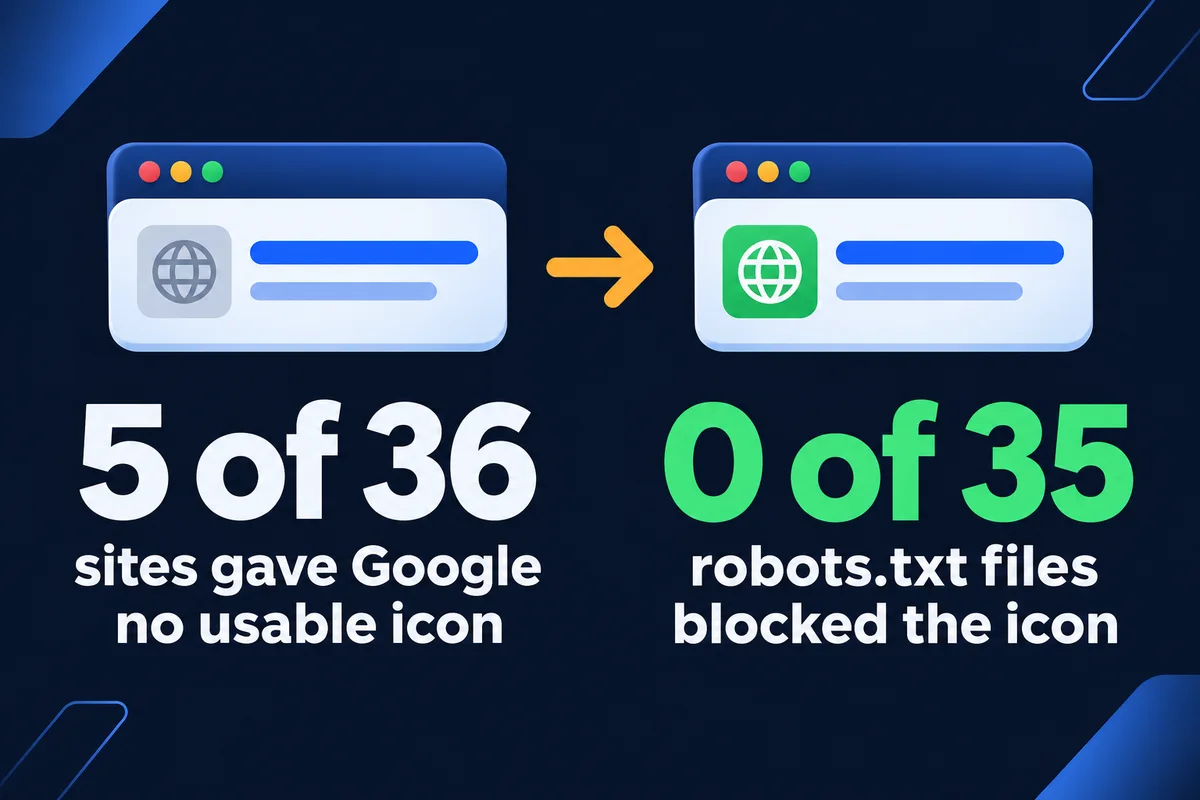
- 5 with nothing Google can use
- The sites
- 16 roofers and 22 clinics around the GTA that I used for earlier research. 36 home pages opened; one had a broken security certificate and one refused my request.
- What I read
- Every icon link in the head of each home page, then the file itself: did it load, what format it really is (I read the first bytes, not the file name), its width and height, and whether robots.txt lets Google's image crawler fetch it.
- What I didn't do
- Log in anywhere or change anything. I'm not naming the businesses either; most of these icons were set by a theme years ago and nobody has looked since.
The cause most articles lead with, a robots.txt rule that blocks the icon, didn't show up once. I read 35 robots.txt files (one site has none) and not one blocks the home page or the icon. Everything that went wrong was in the files themselves.
The five sites with no icon Google can use
Each of these gets nothing from Google, and each had a different reason. If your result shows a globe, I'd bet on one of these.
Only WebP files
Two clinic sites point every icon link at a WebP image, 114 and 300 pixels. WebP isn't on Google's list of favicon formats. Browsers show it in the tab without complaint, which is why nobody noticed.
The logo, uncropped
One site uses its full 899 by 602 pixel logo as the icon, in WebP too. Google wants a square. Shrunk to a 16 pixel dot, a wide logo is unreadable anyway.
Only an SVG
One site has a single icon link, to an SVG file. Sharp in every browser tab, and also missing from the formats Google lists. One PNG beside it would fix it.
Two dead links and a 64 by 61
A roofer's home page names five icons. Two point to an old theme folder and return "page not found". The other three all point to one file, labelled 32x32 in one tag and 192x192 in another. I measured it: 64 by 61. Three pixels short of square.
That last one is my favourite, in the way a mechanic has a favourite rust spot. The tags say one thing, the file says another, and Google believes the file.
The rules as Google writes them today
Google's favicon page is short and it has changed more than once. If you read an older guide that says your icon must be a multiple of 48 pixels, that rule was dropped in 2024. The table puts the current rules next to what I saw.
| Google's rule | What I saw on 36 sites |
|---|---|
| Square, a 1:1 aspect ratio | 5 sites had at least one icon that isn't square, from 64x61 to 942x180 |
| At least 8x8 pixels, and Google recommends larger than 48x48 | 8 sites top out at 48px or less; three only offer 16px |
| Formats: BMP, GIF, ICO, PNG, JPEG, PPM and TIFF | 86 PNG files, 9 ICO, 9 JPEG, 8 WebP, 2 SVG |
| A link tag in the home page head (icon, shortcut icon, apple-touch-icon) | 34 sites had one; 2 had none and fell back on a /favicon.ico file |
| Googlebot can crawl the home page, Googlebot-Image can crawl the icon | No blocks found in 35 robots.txt files |
| One icon per hostname, at a stable address | The roofer with dead links names three different file paths for one icon |
And the line every owner should read before getting angry: "A favicon isn't guaranteed to appear in Google Search results, even if all guidelines are met." So follow the rules, then give it time.
A good icon next to a bad one
Four sites had a perfectly usable icon plus another one that breaks a rule. One links a wide version of its logo eight times, from 299x57 up to 942x180, beside five proper squares. Another has thirteen tidy icons and three more links to a 70x68 file. Google doesn't say which of several icons it picks, so I don't leave it a choice.
<link rel="shortcut icon" href="images/favicon.png">
<link rel="apple-touch-icon" href="images/icon.png">
<link rel="icon" href="/uploads/favicon.png" sizes="32x32">
<link rel="icon" href="/uploads/favicon.png" sizes="192x192">
<link rel="icon" href="/logo-wide.webp"><link rel="icon" href="/favicon.ico" sizes="48x48">
<link rel="icon" href="/icon-192.png" type="image/png" sizes="192x192">
<link rel="apple-touch-icon" href="/apple-touch-icon.png">Three lines, every file square, every file a format on Google's list, and the sizes attribute matching the real file. The sizes attribute is just a label. Writing 192x192 on a 64x61 picture doesn't make it bigger, it makes it harder to spot.
Is a 16 pixel favicon too small for Google?
It's allowed, since the minimum is 8 pixels, but it looks rough. Google draws the icon larger than a browser tab does, and on a sharp phone screen a 16 pixel file gets stretched into a soft blob. Three of the 36 sites only offer 16 pixels, two more offer 24 or 25, and two stop at 32.
Give Google something bigger to shrink. A 192 or 512 pixel square PNG costs a few kilobytes and covers the tab, the phone home screen and the search result from one design. Use the symbol from your logo, not the full name: at small sizes a wordmark turns into a grey smear.
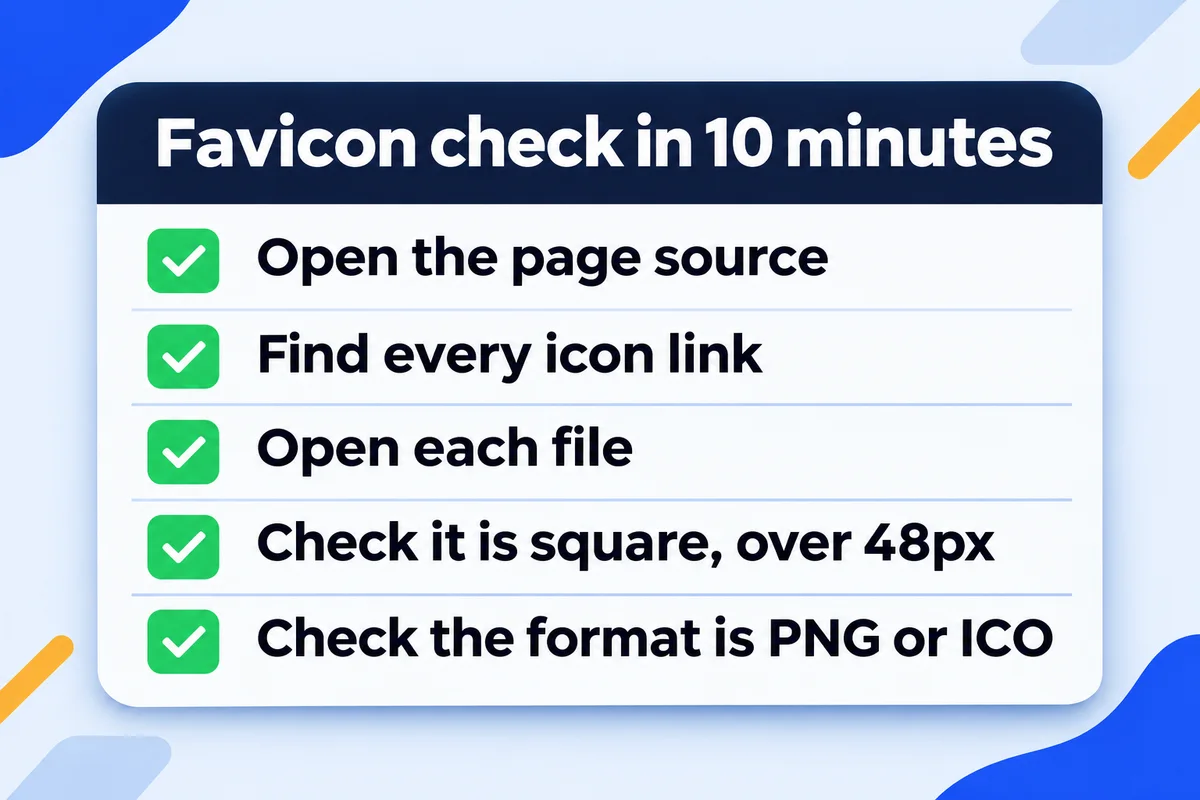
Check your own favicon in ten minutes
You don't need a developer for this, only a desktop browser. Each step has one answer you want to see.
- Open your home page and press Ctrl+U (Cmd+Option+U on a Mac) to see the source.A new tab full of code.
- Press Ctrl+F and search for rel="icon", then for apple-touch-icon.At least one hit. Write down every file address you find.
- Open each address in a private window.A picture, not a "page not found".
- Right-click the picture, save it, and check its properties.Width equals height, and both are above 48.
- Look at the file type in the same window.PNG, ICO, JPEG or GIF. If every file is WebP or SVG, add a PNG.
- Open yourdomain.ca/robots.txt.No Disallow line covering the folder your icon sits in.
If you'd rather click than read code, Google's URL Inspection tool in Search Console fetches your home page as Google sees it, and I walk through that screen in my guide to reading Google Search Console.
How long until the new icon shows up?
Google says crawling takes anywhere from several days to several weeks, and the icon is only updated when your home page is crawled again. You can ask for a recrawl of the home page with URL Inspection. Then check from a phone in a private window, because your own browser has your old icon saved and will happily show it to you.
While you're in there, look at the name beside the icon as well. Google calls it the site name, and you can suggest one with a few lines of WebSite structured data on the home page. 21 of the 36 sites already had it.
{
  "@context": "https://schema.org",
  "@type": "WebSite",
  "name": "Your Business Name",
  "url": "https://www.example.com/"
}
If structured data is new to you, I explain what it is and where it goes in schema markup in plain English. And if your problem is the wrong picture when someone shares your link in a text or on Facebook, that's a different tag with its own fix, covered in why your link preview shows the wrong image.
How I set up icons on the sites I build
Every site I hand over has a square PNG icon at 192 pixels or more, an ICO file for old browsers, an apple-touch-icon, and nothing else in the head that points at a picture. Before launch I open each file the way Google would and compare the real size with the label. It takes five minutes and nobody ever thanks me for it, which is how I know it worked.
On a hand-coded site those three lines are mine to control, which is one of the reasons I wrote about custom-coded sites versus WordPress. On WordPress the theme and plugins can each add their own icon tags, so after a theme change it's worth repeating the ten-minute check above. If you'd rather someone else watched for that, it's part of my website support plan, and every plan is listed on the pricing page.
Favicon questions owners ask me
Why does my favicon show in the browser tab but not in Google?+
Browsers are forgiving and Google isn't. A tab will show a WebP, an SVG or a rectangle. Google needs a square file in a format on its list, reachable by its crawler. On the 36 sites I checked, 5 had icons that work in a tab and give Google nothing.
What size should my favicon be for Google?+
Square, at least 8 pixels, and Google recommends larger than 48. I use 192 by 192 or 512 by 512 in PNG. The old rule about multiples of 48 is gone, so 100 by 100 works too, as long as width and height match.
Can I use an SVG favicon?+
Keep it for browsers if you like, but don't rely on it for Google. SVG isn't among the formats Google lists for favicons. Add a square PNG link next to it so Google has a file it accepts.
Does a missing favicon hurt my rankings?+
No. Google uses the icon to show your result, not to rank it. A globe makes your listing look less like a real business, so it can cost you the click, especially when people search for your name. Your position stays where it was.
I fixed my favicon. Why does Google still show the old one?+
Google updates the icon only after it crawls your home page again, which can take days or weeks. Request indexing for the home page in URL Inspection, keep the new file at a stable address, and check on a phone in a private window.
Sources, read on 16 November 2026: Google Search Central, Define a favicon to show in search results; Google Search Central, site names in Google Search. Icon data: home pages of 38 Ontario business sites requested on 16 November 2026, 36 read, every icon file downloaded and measured, robots.txt read for each.
Globe next to your name?
Send me your website address. I'll check your icon files against Google's rules and tell you which one to replace.
Get My Free Quote
I build hand-coded websites for small businesses around the GTA and check every icon, tag and file before a site goes live. Read my full bio · Get in touch