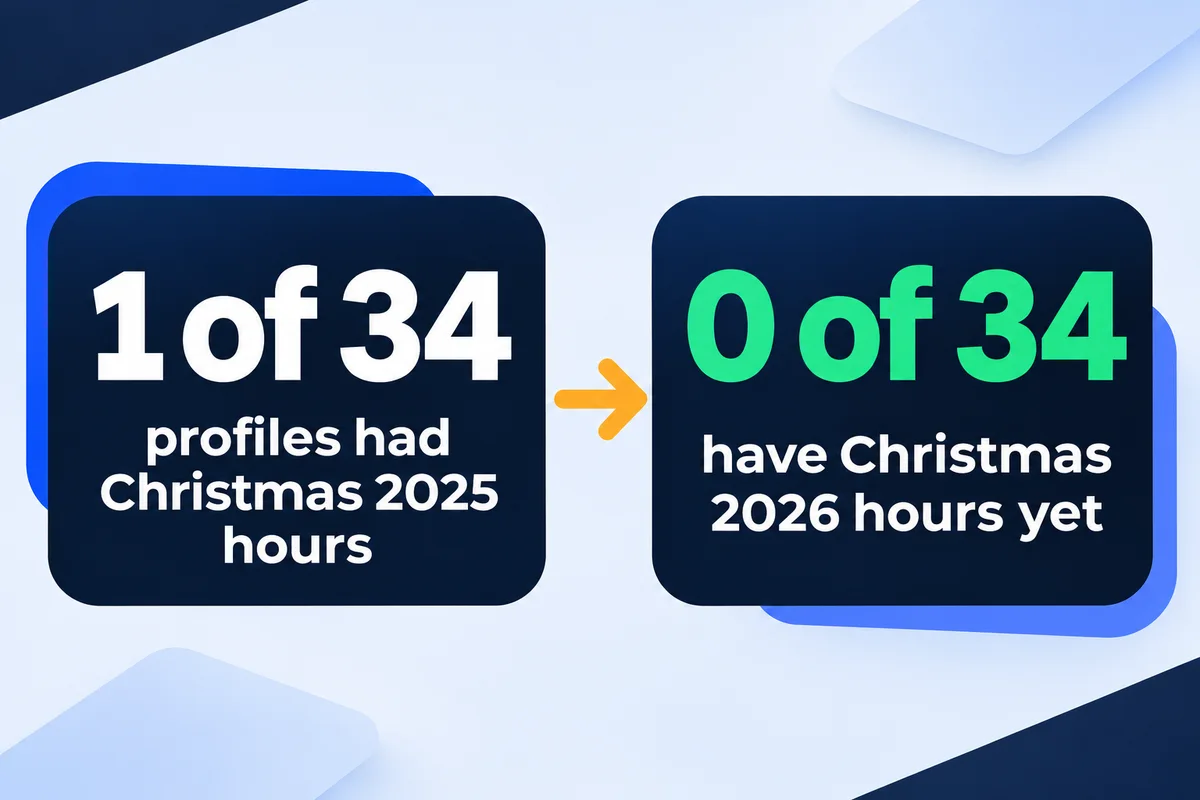
Every year, somewhere around 27 December, an owner calls me a little annoyed. A customer drove across town, Google said the shop was open, the door was locked. Nobody hacked anything. Nobody told Google about the holiday. So this morning I asked Google's own Business Profile API what 34 small-business profiles I have manager access to actually have stored as holiday hours. One of them had Christmas 2025 set. None has Christmas 2026 yet.
How do I set holiday hours on Google?
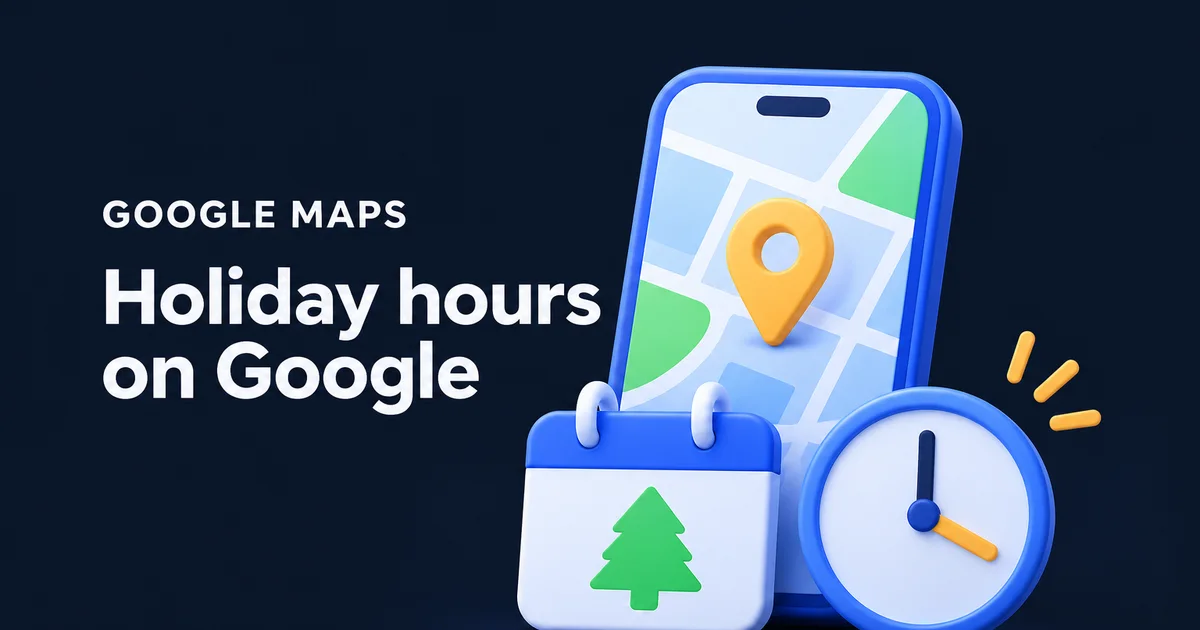
Open your Business Profile, choose Edit profile, then Hours. Next to "Special hours" choose Edit, pick the date Google suggests or add your own, then either leave it marked Closed or untick Closed and type the hours. Save. The change only affects that date, and your regular week stays as it is.
Google's help page also lets you put two sets of hours on one day (morning and evening, with a break), and delete a date you no longer need. The screen asks for very little. This is roughly what a sensible holiday week looks like once it's filled in:
That's the whole job for most businesses: five minutes, once a season. The interesting part is how few people do it.
What 34 business profiles actually had set
I read the stored special hours of every profile the API returned this morning, 34 in all. They're small service businesses: contractors, clinics, offices, a few that run around the clock. All 34 are open with regular hours set. Only 14 have ever had a single special-hours entry. This is how many of the 34 had something on each holiday:
Profiles out of 34 with a special-hours entry on that date. Read through the Business Profile API on 13 November 2026.
The best holiday of the year is Canada Day, and it still reached only 7 of 34. Easter Sunday, Easter Monday and 30 September each got as many entries as Good Friday, even though Ontario doesn't make any of them a public holiday. That pattern tells me most of these entries were answers to a prompt from Google, not plans. When Google asks, people click. When it doesn't, the profile just carries the regular week into the holiday.
And the old entries never leave. Three profiles still carry special hours from 2022, 2023 and 2024. They do no harm, because a date in the past doesn't show to anyone, but they tell you nobody has opened that screen in a while.
Which dates does Google flag in Canada this season?
Google keeps a public list of the days it treats as holidays in each country. For Canada it flags five dates between now and the new year, and on those days a note that your hours might differ can appear on your profile. Two of the five aren't Ontario public holidays, which is exactly why owners forget them.
| Date | On Google's list as | Ontario holiday? | Who needs an entry |
|---|---|---|---|
| Thu 24 Dec 2026 | Christmas Eve | No | Anyone closing early. Most offices and trades do. |
| Fri 25 Dec 2026 | Christmas | Yes | Everyone, open or closed. |
| Sat 26 Dec 2026 | Boxing Day | Yes | Everyone. It falls on a Saturday this year, so check your Saturday hours too. |
| Thu 31 Dec 2026 | New Year's Eve | No | Anyone closing early or opening late. |
| Fri 1 Jan 2027 | New Year's Day | Yes | Everyone, open or closed. |
Ontario's employment standards guide lists nine public holidays, and Christmas Eve and New Year's Eve aren't among them. Your customers don't care about the Employment Standards Act, though. They care whether the door opens at 2 p.m. on the 24th.
Same hours on a holiday? Confirm them anyway
Yes, even if nothing changes. Google's help page says it's a good idea to confirm hours for official holidays even when they match your regular ones. You add the date, untick Closed and type your normal hours. A customer then sees hours you checked for that day instead of a guess.
In the 34 profiles, 8 entries were exactly that: a holiday with the same hours as a normal day of that week. 27 entries changed the hours, 7 marked the day closed, and one opened a day the regular week keeps closed. The confirmations matter most for the 10 profiles that are open 24 hours. An emergency plumber or a restoration crew working on Christmas wants the customer to see that, not a note that hours might differ.
"It's a good idea to confirm your hours for official holidays."
Google Business Profile Help, How to set Special hours
Five things that make special hours misbehave
Seven days or more is a different setting
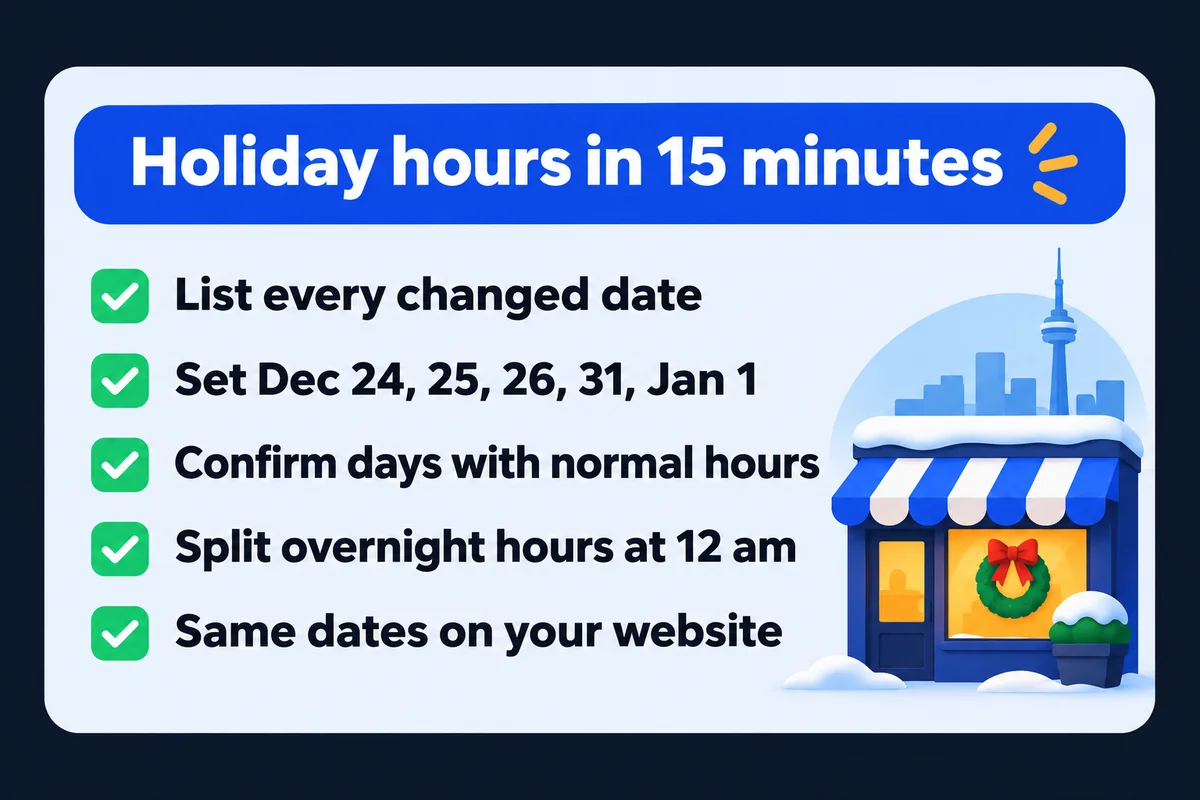
Special hours cover up to 6 days in a row. Closing from 24 December to 4 January? Google's help says to mark the business Temporarily closed instead, and to mark it reopened when you're back.
Your main hours have to be on
Special hours only show when the profile is set to "Open with main hours". On any other hours setting, the holiday entry doesn't appear to customers.
Overnight shifts get split at midnight
One set of special hours can't run past 24 hours. Open 7 p.m. to 5 p.m. the next day? Enter one set to midnight, and one from midnight on the next date. Google then ignores that next day's regular hours, so retype any you want to keep.
A date covers only that date
Special hours appear on the days you name and nowhere else. Your regular week comes back on its own, which is good, and it also means a holiday you didn't add simply shows the regular week.
Someone else may have set them
If several people manage a profile, check the dates before the season starts. A colleague's entry from last year or a suggested edit can sit there unnoticed. My guide on who changed your Google listing shows where to look.
Put the same dates on your website
The profile is half of it. A customer who taps your website from Maps and finds "Open Mon to Sat, 8 to 6" in the footer gets two answers. Put one plain line near the top of the contact page with the holiday dates. If your site describes your hours in its structured data, the code Google reads to understand the page, give it the same dates. Google's own documentation shows a closure with validFrom and validThrough, and a closed day written as opens and closes both "00:00":
"openingHoursSpecification": [
  {
    "@type": "OpeningHoursSpecification",
    "dayOfWeek": ["Monday","Tuesday","Wednesday","Thursday","Friday"],
    "opens": "08:00",
    "closes": "18:00"
  },
  {
    "@type": "OpeningHoursSpecification",
    "opens": "00:00",
    "closes": "00:00",
    "validFrom": "2026-12-25",
    "validThrough": "2026-12-26"
  }
]
Take the entry out in January, or it becomes the website version of those 2022 dates nobody deleted. If structured data is new to you, I explain it without the jargon in what schema markup is.
Holiday hours on the profiles I look after
Every Google Maps management plan includes keeping hours, holiday hours and services current, and it's written on my pricing page next to the price. The owner tells me the dates and I put them on the profile. If you'd like to see what else on your profile is out of date before the season gets busy, my Google Business Profile audit guide walks through the owner's side of it.
The cheapest fix in local search is a date field nobody fills in. It takes less time than the phone call with the customer who drove over on the 26th.
Quick answers about holiday hours on Google
How far ahead can I set holiday hours on Google?+
You can add any future date as a custom date in Special hours, so you can set the whole season now. Google's help page doesn't give a limit for how early. Setting Christmas and New Year in November means they're done before December gets busy.
Do my regular hours come back after the holiday?+
Yes. Special hours show only on the dates you entered. The next day, Google goes back to your regular weekly hours on its own. You don't need to change anything back on the profile, but do remove the holiday line from your website.
What if I'm closed for two weeks over the holidays?+
Special hours cover a closure of up to 6 days in a row. For 7 days or more, Google's help page says to mark the business Temporarily closed, then mark it reopened when you're back. Put the reopening date on your website so people know when to call.
Why does Google say my hours might differ?+
Google keeps a list of holidays for each country. On those days a note that your hours might differ can appear on your profile. Adding special hours for the date, even your normal hours, tells customers what you actually confirmed for that day.
Do I set holiday hours if my business is open 24 hours?+
Yes. Add the date and keep it open all day so customers see you confirmed it. Ten of the 34 profiles I read run around the clock. For an emergency service, a confirmed holiday is the moment a customer needs to see it most.
Sources, read on 13 November 2026: Google Business Profile Help, How to set Special hours; Google Business Profile Help, About holidays on Google; Google Search Central, Local business structured data; Ontario, Your guide to the Employment Standards Act: Public holidays. Profile data: Google Business Profile API, 34 profiles, read 13 November 2026.
Want your holiday dates handled?
Send me your profile link and the days you're closing. I'll tell you what's set now and what customers will see on each date.
Get My Free Quote
I build hand-coded websites for small businesses around the GTA and keep their Google profiles in step with the site, holiday dates included. Read my full bio · Get in touch