I opened the Menu page of a restaurant's WordPress site, on a server I look after, and got an Indonesian slot machine page instead of the lunch specials. Same address, same domain, someone else's casino spam pages. If Google is showing gambling, Japanese or pill pages under your business name, this is how that happens, where the junk actually sits, and the order I clean it up in. All of it comes from that one cleanup, read file by file from the server.
Why does Google show casino pages for my website?
Because someone got write access to your site and put their pages on it. They borrow your domain's good name to rank gambling or pharmacy spam, and they often hand Google their own sitemap to speed it up. It's almost never a Google glitch. It's a hacked site, and the pages are real files or database rows on your hosting.
The tricky part is that you might not see anything. Plenty of these kits show the spam only to Google's crawler, or only to people who click through from a search. Google's guide to the Japanese keyword hack calls this cloaking. So "my site looks fine" and "my site is hacked" can both be true on the same afternoon.
How the hack unfolded, from the server's own logs
The web server keeps a line for every request, and the attacker's requests were all still there. I read them back in order. This is the whole story, with nothing added.
- 29 September, afternoonA request hits a plugin that came bundled inside the site's premium theme. It isn't on wordpress.org, so the hosting panel's one-click updates never touched it. The request writes a one-line PHP file of 74 to 83 bytes, with a name starting with a dot so it hides from a normal file listing.
- 29 September, evening and nightA second visit adds another hidden file. Then the attacker downloads a 587 KB file manager into the uploads folder. From here they have the same rights as the website itself.
- 30 September, early morningThree addresses send 23 requests through that file manager and unpack a casino kit: 20 pages, sitemaps, a robots.txt and a Google verification file.
- 3 October and 9 OctoberThey come back through the same hole, twice, and leave a fresh backdoor each time. Nobody deletes four tiny dot files by accident.
- Cleanup dayA file restore from the host's backup goes first and changes nothing (more on that below). Then 45 planted items come out of the site, the hole gets closed, and every page is checked again.
The thing I'd underline twice: the spam pages were the loud part, and the hole was the important part. If I had deleted the 20 pages and stopped, the next visit would have put them back the same evening.
Where the spam pages were hiding
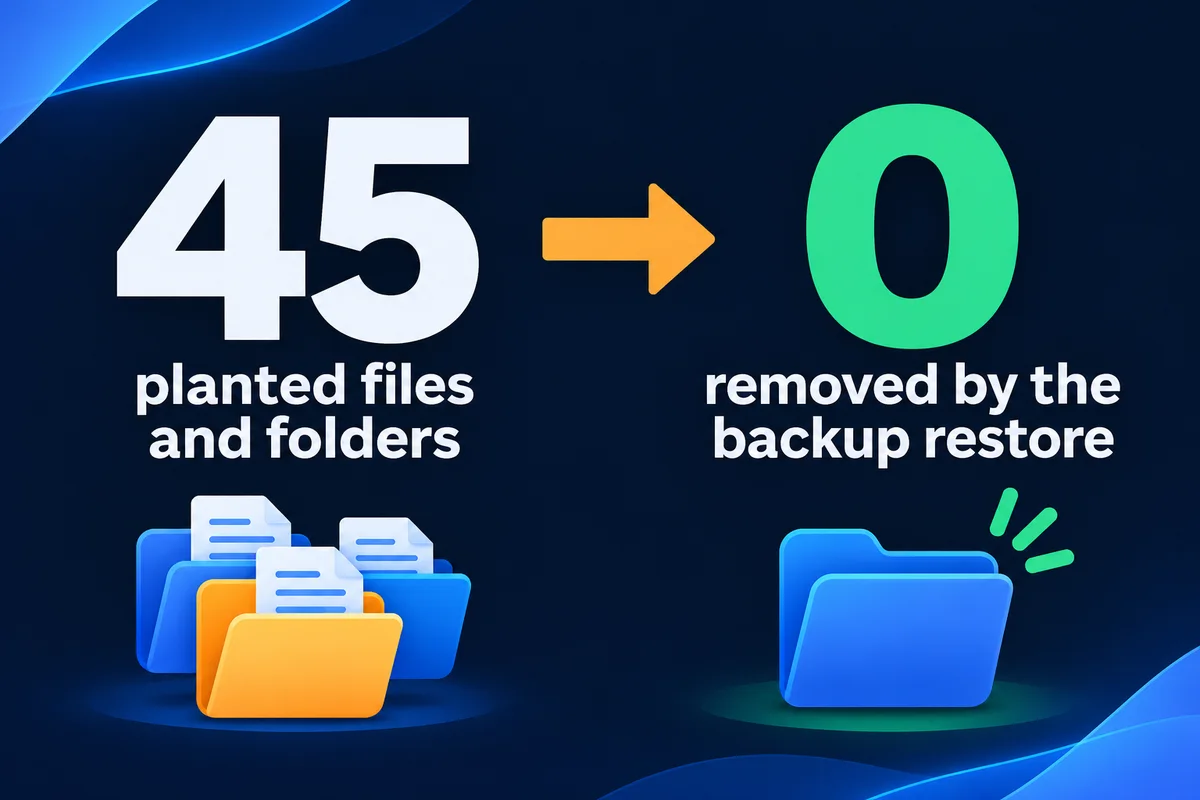
Not in one place. The kit was unpacked three times: in the account folder above the website, in the website folder itself, and inside wp-content/uploads, where WordPress keeps your photos. The tree below shows the shape of it, with the planted items marked.
account root/
  about/ menu/ photo-gallery/ ...  *
  google<random>.html              *
  sitemap.xml  robots.txt          *
  httpdocs/  (the website)
    about/ menu/ contacts/ ...     *
    feed.xml  llms.txt  sitemaps   *
    wp-content/uploads/
      fm_prox.php  (587 KB)        *
      .yo-xxxx.php  x4  (74-83 B)  *
      about/ menu/  sitemap.xml    *
Look at the folder names. About, contacts, menu, photo-gallery. Those are the restaurant's real page addresses. When a real folder called menu exists, the web server hands out its index.html before WordPress ever gets asked, so the actual Menu page was replaced for everyone. That's how a visitor clicking a normal menu link landed on a slot machine.
The Google verification file matters too. It's the file Search Console uses to prove you own a site. Google's own hacked-site guide says attackers typically add themselves as an owner so they can submit sitemaps and change settings. Their sitemaps sat right next to it.
Why restoring the backup changed nothing
The first move was a restore of the site's files from the host's backup, and afterwards the Menu page was still a casino. This catches a lot of people. A file restore does four things, and none of them removes a file someone planted.
| A file restore | What that meant here |
|---|---|
| Overwrites files that exist in the backup | WordPress core, the theme and the plugins went back to their saved versions |
| Leaves alone files the backup never had | All 20 casino pages, 4 backdoors and the file manager stayed put |
| Doesn't touch the database unless you include it | The database wasn't part of this restore |
| Doesn't fix the way in | The bundled plugin with the hole came back exactly as it was |
A restore that wipes the folder first would have removed the extra files, and it would also have brought back the same vulnerable plugin. Either way the door stays open. I wrote about checking what your backup really holds in how to test a website backup before you need it, and a hack is exactly the day you find out.
Does Google see a different page than you do?
Check it with three requests for the same address: as a normal browser, as Googlebot, and as a browser arriving from a Google search. If all three come back with the same status, the same final address and roughly the same size, nothing is being shown to Google behind your back. Google's Search Console help suggests this kind of test with cURL and different referrers.
curl -s -o /dev/null -w "%{http_code} %{size_download}\n" https://example.com/menu/

curl -s -o /dev/null -w "%{http_code} %{size_download}\n" -A "Googlebot/2.1 (+http://www.google.com/bot.html)" https://example.com/menu/

curl -s -o /dev/null -w "%{http_code} %{size_download}\n" -e "https://www.google.com/" https://example.com/menu/
This morning I ran the same three requests on four pages of this site, so you know what a clean answer looks like. Twelve requests, and every set matched to the byte.
| Page | Browser | As Googlebot | From Google |
|---|---|---|---|
| Home | 200 · 66,021 bytes | 200 · 66,021 bytes | 200 · 66,021 bytes |
| Pricing | 200 · 39,365 bytes | 200 · 39,365 bytes | 200 · 39,365 bytes |
| Contact | 200 · 26,943 bytes | 200 · 26,943 bytes | 200 · 26,943 bytes |
| Web design | 200 · 47,131 bytes | 200 · 47,131 bytes | 200 · 47,131 bytes |
One limit of this test: a smarter kit checks Google's real IP addresses, not just the name a request gives itself, and a fake Googlebot from your laptop won't fool it. That's why the last word goes to URL Inspection in Search Console, which fetches the page from Google itself. If you haven't opened that screen before, I walk through it in reading Google Search Console.
The cleanup order I follow
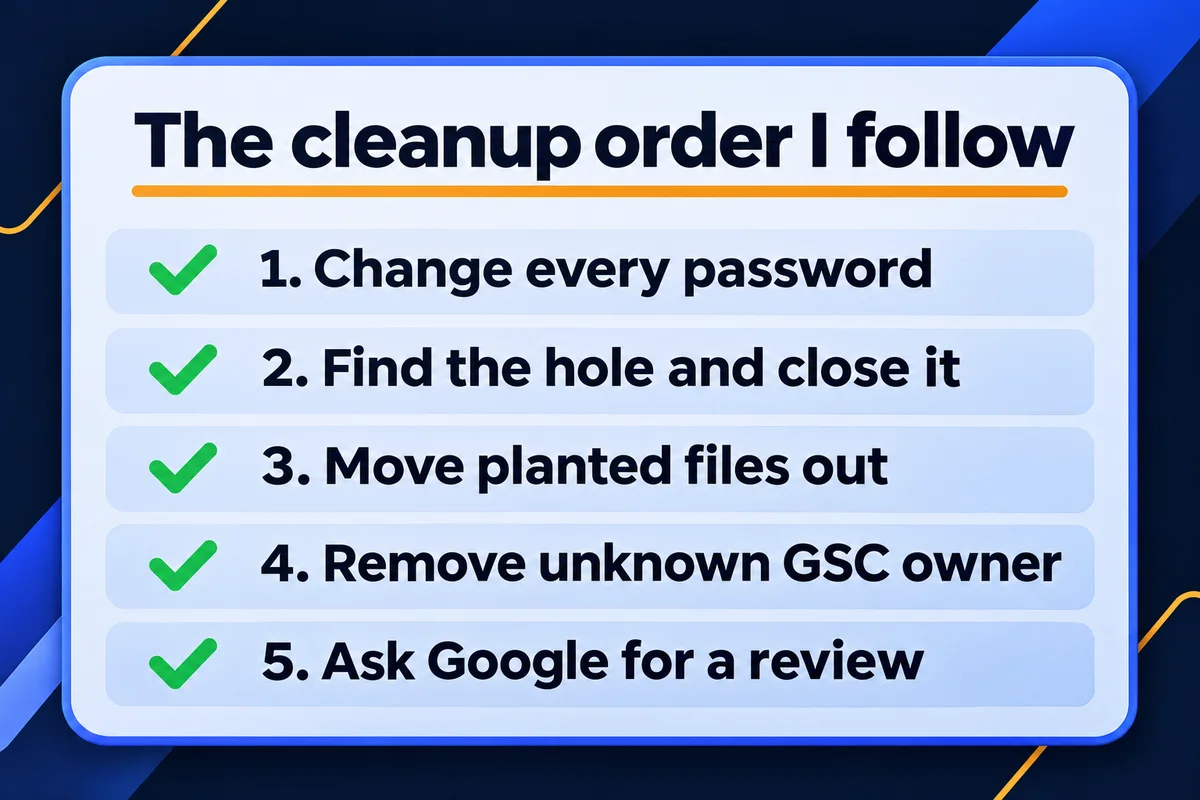
Order matters more than speed. Clean the files before you close the hole and they come back. Ask Google for a review before the site is clean and you wait longer for the next one.
- Copy the site as it is now, infected, before touching anything. On this site I took a full backup first, so nothing I removed was lost for good and the evidence stayed readable.
- Change every password that opens the site: hosting, FTP, database and every admin account. Then generate new WordPress security keys, which throws out every saved login at once.
- Find the way in from the access logs. Look for the first request that wrote a file, then for the same pattern on other days. Here it was one plugin action, used on four separate visits.
- Close it. The plugin had no fix to install, so I added a small must-use plugin that makes the dangerous function refuse objects, then repeated the attack's first step harmlessly and watched it fail.
- Move the planted files out of the web root rather than deleting them. All 45 items went into a quarantine folder the web can't reach, which let me read each one and confirm it was junk. Once a fresh scan came back clean, the folder was deleted.
- Lock the side doors: block PHP from running inside uploads, turn off the file editor in the admin, and count the admin accounts. This site had exactly one, and it was the owner's.
- Check every page as a visitor and as Googlebot. Here that meant six pages and the 31 files they load, all answering 200, none with a casino word.
- Open Search Console and deal with Google's side, below.
If some of this reads like a foreign language, that's normal, and it's the part where a person who reads logs for a living saves you a weekend. Bot traffic in your logs on a normal day is a different and much less scary story, which I covered in is someone trying to hack my website.
Getting the casino pages out of Google
The files are gone; Google doesn't know yet. Four things move it along, and none of them is "submit the page and pray".
First, the owners list. In Search Console open Settings, then Users and permissions. Google's help page on an owner you don't recognise says to remove that user and delete every verification token they used, for example the HTML file on your site. It also warns that removing the token is temporary while the hole is open, which is why this step comes after the cleanup and not before.
Second, the Security issues report. If Google flagged the site, the report lists the problem and example addresses, and results can carry a warning label. When everything is fixed on every page, press Request review and describe what you did. Google says a review takes from a few days to a few weeks, and asks you not to send another before you get an answer.
Third, the dead addresses. Each removed spam page should answer with a 404 or a 410; Google's Removals help accepts either as gone for good. If the junk sits under a few folders, the Removals tool can hide every address starting with that folder, but only for about six months, so treat it as a curtain while the 404s do the real work.
Fourth, the planted sitemaps. Remove any sitemap in Search Console you didn't submit yourself, and make sure the files are gone from the server too. Pages that linger for a while after you remove them are covered step by step in why Google still shows old pages after you delete them.
On the cleaned site, the five hijacked page addresses served the real restaurant pages again within minutes, and the planted sitemap and verification file came back as "not found". That's the part you control on the day. The rest runs on Google's crawl schedule.
How long until the spam disappears from search?
Google drops each spam address when it crawls it again and finds nothing, which takes days for busy pages and weeks for junk it rarely visits. A security review, if one is needed, adds a few days to a few weeks. Search site:yourdomain.com once a week and count what's left.
Keep watching after the count reaches zero. A returning spam page is the clearest sign the hole is still open somewhere. On the sites I look after, that watching is part of the website maintenance and support plan: daily backups, security monitoring and updates for $100 a month. I'd rather catch a dot file on day one than a casino on day thirty.
Questions owners ask after a hack
My website looks normal. Why does Google show spam for it?+
Many of these kits show the spam only to Google's crawler, or only to people who arrive from a Google search. You open the address directly and see your own page. Fetch the page as Googlebot, or use URL Inspection in Search Console, and you see what Google sees.
Will restoring a backup remove the spam pages?+
Only if the restore wipes the folder first. A file restore puts back the files that were in the backup and leaves everything else where it is, so planted folders and backdoors survive. And the hole they came through is still open either way.
Does Google penalize my site for being hacked?+
Google treats it as a security issue, not a punishment for you. If it flags your site, the Security issues report in Search Console lists it, and results can carry a warning until you fix it and request a review, which takes a few days to a few weeks.
Should the deleted spam pages return 404 or 410?+
Either is fine. Google's own help on removing pages accepts both a 404 and a 410 as a sign the page is gone for good. What matters is that the address no longer returns a page with content, for every visitor and for Googlebot.
Can I just delete the casino pages and move on?+
Not safely. On the site I cleaned, the attacker came back three more times through the same hole and left a fresh backdoor each visit. Deleting pages without finding the way in only buys a few days.
Sources, read on 17 November 2026: web.dev, Fix the Japanese keyword hack; Search Console Help, I don't recognize this new owner; Search Console Help, Security issues report; Search Console Help, Removals tool. Case data: server access logs and file listings of one WordPress site cleaned in October 2026; the request test above was run on leadlls.com on 17 November 2026.
Strange pages under your business name?
Send me your website address. I'll check what Google sees on it and tell you where the junk sits.
Get My Free Quote
I build and look after websites for small businesses around the GTA, and I read server logs so my clients don't have to. Read my full bio · Get in touch