
Saturday morning you finally turn on that free SSL certificate, or you switch the domain to Cloudflare because a forum said it's faster. By lunch a customer calls: your site shows "This page isn't working. yoursite.ca redirected you too many times." That's the too many redirects error, ERR_TOO_MANY_REDIRECTS in Chrome, and your whole site is now a very polite brick wall. The good news: it's almost never broken code. It's two settings, each one correct on its own, sending visitors back and forth. This morning I traced every redirect on the 4 front doors of 24 sites I look after, so you'll see what a healthy setup looks like next to a broken one.
What does "redirected you too many times" actually mean?
Your browser asked for a page, the server said "go over there", and "over there" said "go back". The browser follows the ping-pong until it hits its limit, which the web's Fetch standard sets at 20 redirects, then gives up and shows the error. Nothing is deleted. Your site is still there, it just can't agree on its own address.
- Rule 1, at CloudflareFlexible SSL: "I'll talk to your host over plain http."
- Rule 2, at your hostForce HTTPS: "Plain http? Go back and use https."
Cloudflare's own help page uses this exact pair as its first example. Every request bounces between the two until the browser reaches 20 and stops.
Each rule is sensible. Forcing https is what every security checklist tells you to do, including mine. Flexible mode is what Cloudflare offers when your host has no certificate. Put them together and they argue forever, like two polite Canadians at a doorway, except neither one ever goes through.
Is it the website, or only your phone?
Take two minutes before you touch any setting. Open the site in a private window, then on a phone using mobile data instead of Wi-Fi. The answer tells you where the loop lives.
If the site loops everywhere and you also see a red Not secure note, the certificate itself may be missing, which makes a different mess. My guide to what each Not secure warning in Chrome means sorts that one out, and the free SSL checker tells you in seconds whether the certificate is there.

The five pairs of rules that make a loop
A loop always needs two rules that point at each other. In my experience it's one of these five pairs, and the clue is what changed last. Find your pair, then switch off one side, never both.
| Rule A | Rule B | Where they live | What I change |
|---|---|---|---|
| Cloudflare SSL mode set to Flexible | Your host sends http to https | Cloudflare, SSL/TLS page, and the host's panel | Set Cloudflare to Full (strict) once the host has a certificate |
| Cloudflare Full, or Always Use HTTPS | An old host rule sends https back to http | Cloudflare, and an old rule from before SSL | Delete the host rule that sends visitors to http |
| Site address says www | Host or Cloudflare removes www (or the other way round) | WordPress Settings, General, and the host's preferred domain | Pick one version and make both say it |
| A redirect plugin sends page A to page B | A server rule sends page B back to A | The plugin's screen, and the host's redirects | Keep redirects in one place and delete the other rule |
| A forwarding rule at Cloudflare or the registrar | Its target is the same address it starts from | Cloudflare redirect rules, or the domain's forwarding page | Remove the forwarding when the domain points at your host |
The first row is the classic. Cloudflare's documentation says Flexible mode sends requests to your host over plain http, and a host that forces https sends them right back. Their fix is to remove the host's https redirect or move to Full, which needs a certificate on the host. Almost every host I deal with gives one away for free now, so Full (strict) is the setting I use. The third row is the one I see after a website migration: the old host liked www, the new one doesn't, and nobody told WordPress.
What 96 front doors of 24 real sites showed
None of them loop, and 16 of the 96 doors take two or more steps to land. Every domain has four front doors: http and https, each with and without www. I followed every redirect from all four, one hop at a time, on the home pages of 24 sites I build or look after.
A typical two-hop door, with the domain swapped for example.ca:
http://www.example.ca/   301  to https://www.example.ca/
https://www.example.ca/  301  to https://example.ca/
https://example.ca/      200  page loads
That chain works fine. But look at it: one rule adds https, a second rule removes www. Thirteen of the 16 longer doors had exactly this shape, and the other three added a language folder on top. Two independent rules in a row is the twin of a loop. Change the second rule to say "add www" instead of "remove www" and you have the third row of the table, live, on a Saturday.
So when I set up a site, every door goes straight to the final address in one hop. It's not about speed, since a hop costs a fraction of a second. It's about having one rule that decides the address, so there's nothing for a second rule to argue with.
Traced on 27 November 2026 with plain GET requests, no cookies, 400 ms pause between requests, up to 25 hops allowed. All 96 doors ended on a page that answered 200. The sites belong to small businesses in Ontario and the US; I don't name them.
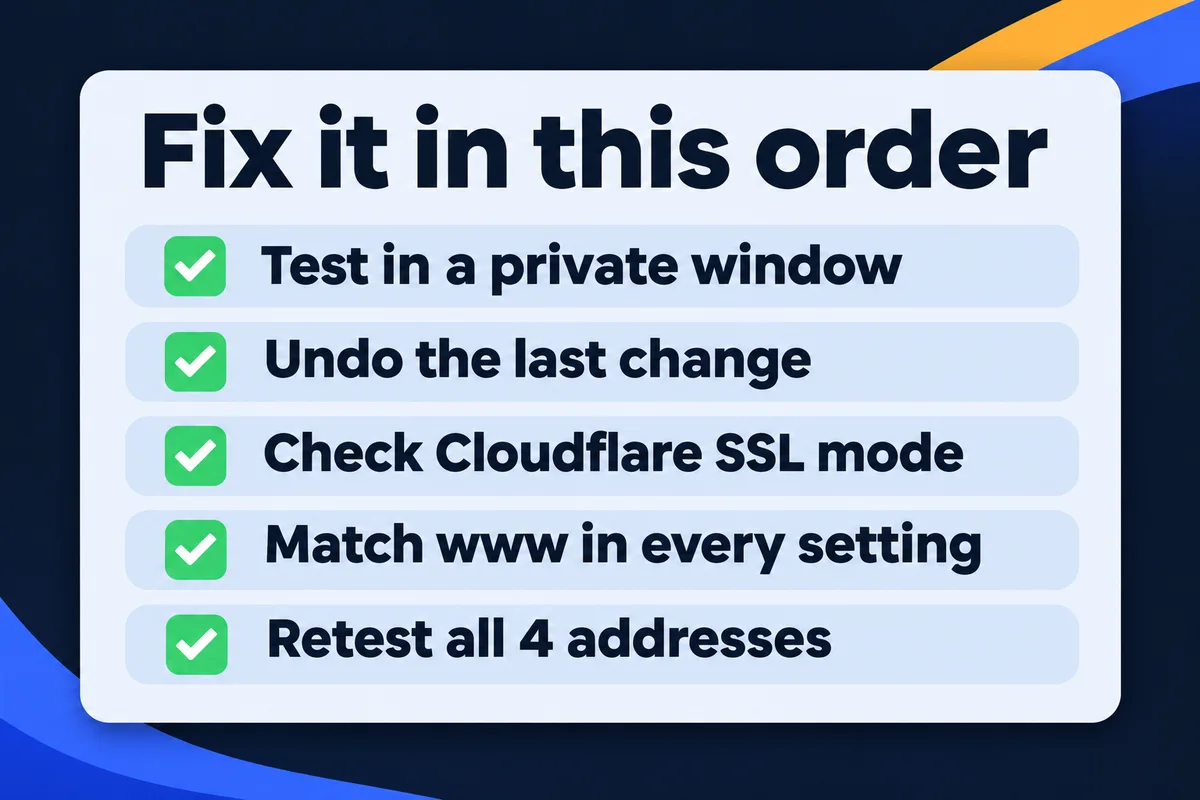
Fix it in this order
Work from the cheapest step to the deepest one, and test after each step in a private window. Most loops I've fixed ended at step 2 or 3.
- Undo the last change, if you can. Turned on Cloudflare today? Pause it. Installed an SSL plugin? Deactivate it. Five minutes, and it proves which side the loop came from.
- On Cloudflare, open SSL/TLS and look at the encryption mode. If it says Flexible and your host has a certificate, set Full (strict). Then purge Cloudflare's cache.
- Pick www or no www, once. In WordPress that's Settings, General: the WordPress Address and the Site Address must match each other and the version your host and Cloudflare send people to.
- Look at your redirect plugin's list for a rule that points at a page which itself redirects. Delete one of the two.
- If the WordPress admin itself loops, you can't reach the settings. Your developer or host can set the address in the site's config file or rename the plugins folder to switch them all off for a minute. That's a two-minute job for them and a risky one for you.
- Clear the site's own cache plugin and test all four front doors again.
If the loop started right after moving the domain to a new registrar or host, check the DNS and any forwarding first. My guide to transferring a domain without downtime covers what to leave alone during a move. And if the site doesn't answer at all instead of looping, that's a different problem with its own checklist in what to do when your website is down.
After the fix: test all four doors, and let Google catch up
Type each of these into a private window. Every one should land on the same final address, ideally in one hop.
http://yoursite.caShould go straight to your final https address.http://www.yoursite.caSame final address, not a stop at https://www first.https://yoursite.caEither the final address itself, or one hop to it.https://www.yoursite.caEither the final address itself, or one hop to it.Google's crawler generally follows 10 redirect hops, according to Google's crawling documentation, so a loop blocks it just like it blocks a customer. In Search Console, the Page indexing report lists these pages under Redirect error, which Google says covers a chain that's too long, a loop, a URL that grows too long, and a bad or empty URL in the chain. Once all four doors work, Google comes back and crawls the page again on its own; there's nothing to submit.
Loops love Saturdays, launches and "quick" changes. If you'd rather not be the person reading Cloudflare settings on a weekend, my website maintenance and support plan covers exactly this kind of fire, and I test the four doors after every change I make.
Questions about redirect loops
Will clearing my cookies fix too many redirects?+
Only when the loop lives in your browser, which usually means it shows up when you are logged in and disappears in a private window. If a private window on another device shows the same error, the loop is on the website and cookies won't help.
How many redirects does it take to trigger the error?+
The web's Fetch standard tells browsers to stop at 20 redirects and show an error. A loop reaches 20 in well under a second, so the visitor sees the error page almost at once.
Does a redirect loop hurt my Google ranking?+
Google's crawler generally follows 10 redirect hops and can't reach a page caught in a loop, so it can't index it. Search Console reports this as Redirect error. Once the loop is fixed, Google crawls the page again on its own schedule.
Which Cloudflare SSL mode should I use?+
If your host has a valid SSL certificate, Full (strict). Cloudflare's own help page says Flexible loops when the host also forces https, because Flexible talks to the host over plain http and the host keeps sending it back.
Is it bad if my site takes two redirects to load?+
It works, and 16 of the 96 addresses I tested do exactly that. It does mean two separate rules handle your address, and two rules are what a loop is made of. One hop straight to the final address is cleaner and easier to keep safe.
Sources, read on 27 November 2026: ERR_TOO_MANY_REDIRECTS (Cloudflare SSL/TLS docs), HTTP-redirect fetch (WHATWG Fetch standard), How HTTP status codes affect Google's crawlers (Google crawling docs) and Page indexing report (Search Console Help). The hop counts come from my own trace of 24 sites the same morning. The Saturday story is made up; the settings are real.
Site stuck in a redirect loop right now?
Send me the address and what changed last. I'll trace the four doors and tell you which two rules are fighting.
Get My Free Quote
I build and look after websites for small businesses around the GTA, including the weekend after someone flips a Cloudflare switch. Read my full bio · Get in touch