This morning I opened the two links I keep in my notes for putting a business on Apple Maps and on Bing. Neither one goes where it used to. businessconnect.apple.com now bounces to business.apple.com, and bingplaces.com bounces to bing.com/forbusiness. Both moved inside the last twelve months, which is recent enough that whatever instructions you have in a bookmark are probably describing a screen that no longer exists.
That sounds like a footnote. It cost me two minutes of confusion this morning and I already knew what I was looking for. So here is the current version, checked today: what is already sitting on both maps under your name, who put it there, and what it takes to take it over. Both are free. The clicking is under an hour; the waiting is a few days.
The short version
- You are already on Apple Maps and you did not put yourself there. Apple licenses place data — its own acknowledgements page credits "Business listings data" to Foursquare, Factual, Chatmeter and dozens more.
- Apple Business Connect no longer exists. It was folded into Apple Business on 14 April 2026, together with Business Manager and Business Essentials.
- Bing Places moved too — off bingplaces.com to bing.com/forbusiness in October 2025 — and it will import your Google profile in one step.
- Both are free. Apple: "a free service in the U.S. and 200+ countries and regions". Microsoft: "a free online platform".
- Why it is worth the hour: 68.47% of Canadian mobile traffic ran on iOS in August 2026. On an iPhone, Apple Maps is the map that opens when nobody picked one.
- Fix your Google profile before you start. Bing copies it verbatim and Apple phones the number on file.
- This will not move your Google rankings. Different companies, separate indexes. It is about being correct, not about ranking.
Is my business already on Apple Maps?
Almost certainly, and you did not create it. Apple licenses business information from data companies and names them on its own Maps acknowledgements page, which credits "Business listings data" to Foursquare, Factual, Chatmeter, Booking.com and a long list of others. Your entry arrives from whichever of them last held a record of you.
Which is how you end up with details that are almost right and slightly wrong. An old suite number. A phone line you dropped two years ago. Hours from before you changed them. Nobody made a mistake — a broker supplied Apple with the last version of you it held, and until somebody claims the place, that is the version customers read.
| Map | Where you manage it | Cost | Did the link move? |
|---|---|---|---|
| Google Business Profile | google.com/business | Free | No |
| Apple Maps | business.apple.com | Free | Yes — Apple Business Connect became Apple Business on 14 Apr 2026 |
| Bing Places | bing.com/forbusiness | Free | Yes — moved off bingplaces.com in Oct 2025 |
Why bother, when everybody uses Google?
Because on most of the phones doing the browsing in this country, Google is not the map that opens. StatCounter put iOS at 68.47% of Canadian mobile traffic in August 2026. On an iPhone, an address tapped in Messages, a business typed into Spotlight and a place opened from Safari all go to Apple Maps unless the person deliberately chose otherwise.
I want to be careful about what that number does and does not say. It does not say two thirds of your customers search on Apple Maps — plenty of iPhone owners install Google Maps and live in it. It says most mobile browsing here happens on iPhones, and on an iPhone the default map is Apple's. Defaults are what people use when they are in a hurry.
Most people never pick a map app. They tap an address, and whatever opens is where your hours and your phone number get read.
What changed in 2026, and the two links that moved
Apple's March 2026 announcement is blunt about it: "Apple Business Essentials, Apple Business Manager, and Apple Business Connect will no longer be available once Apple Business launches." Apple Business arrived "starting Tuesday, April 14, in more than 200 countries and regions", and Apple describes it as "a free service". Place cards live on inside it — "Customize with photos, detailed location information, hours, and other useful details that display across Apple Maps, Safari, Spotlight, and more."
Microsoft did the same thing five months earlier and made less noise about it. Its own announcement says the domain changed "from www.bingplaces.com to www.bing.com/forbusiness", calls the product "a free online platform where businesses can create and manage their listings to appear in Bing search results and Bing Maps", and says the Google import is now "faster, more reliable, and better at preserving key attributes like business name, hours, and contact details".
I did not take either of those on trust. I sent a plain request to each of the old addresses this morning and followed the redirects:
- businessconnect.apple.com → 302 → business.apple.com
- register.apple.com/placesonmaps/ → 301 → businessconnect.apple.com → 302 → business.apple.com (two hops)
- bingplaces.com → 301 → bing.com/forbusiness
All three land somewhere real, so nothing is broken. But a redirect chain drops you on a homepage rather than on the screen your instructions described, which is the point at which what you are reading stops matching what is in front of you.
How do I claim my business on Apple Maps?
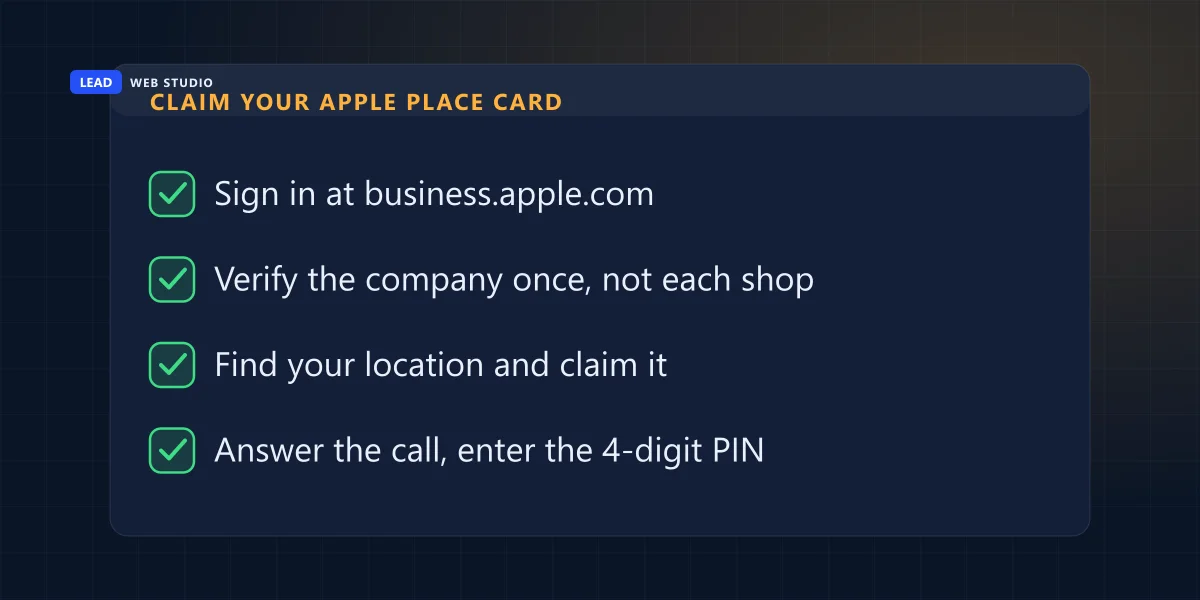
Sign in at business.apple.com with an Apple ID, verify the organisation once, then claim each location. Apple's own guide is clear that the company check comes first: if it is your first location and you have not verified your organisation, you have to verify it and send it to Apple for review before the claim goes anywhere.
- Sign in at business.apple.com. An existing Apple ID works — you do not need to create a new one for this.
- Verify the company once, not every shop. Apple's guide notes this is where filters block the review, so let mail from all apple.com domains through before you start.
- Find your location on the map and claim it. If the pin is over the wrong building you can drag it or type coordinates, and switching the map to satellite makes it much easier to put the pin on the actual entrance rather than the middle of the roof.
- Take the phone call and enter the four-digit code. Apple rings "the phone number being used is the one that Apple has on record for this location" — so if that number is old, fix it before you get here, not after.
And on Bing?
Faster, because you do not have to type it twice. Go to bing.com/forbusiness and import the listing from your Google Business Profile: name, address, hours and contact details come across in one step. Then verify with a PIN, and add the photos and details the built-in recommendation tool asks for.
Which PIN methods you are offered is not up to you. An answer on Microsoft's own support Q&A puts it plainly: phone or email verification appears only when the service can confirm your business details against public records, "so sometimes the system limits you to mail only". Which means the thinner your public paper trail, the more likely you are on the postcard path — and the postcard is days, not minutes.
| Claiming it | Apple Business | Bing Places |
|---|---|---|
| Fastest way to fill it in | Type it in yourself | Import the Google profile |
| Company check | Verify the organisation once, then claim each location | Per listing |
| Proving the place is yours | Apple phones the number it already holds; you enter a four-digit code | A PIN — by phone or email if public records match you, otherwise by post |
| What it costs | Free | Free |
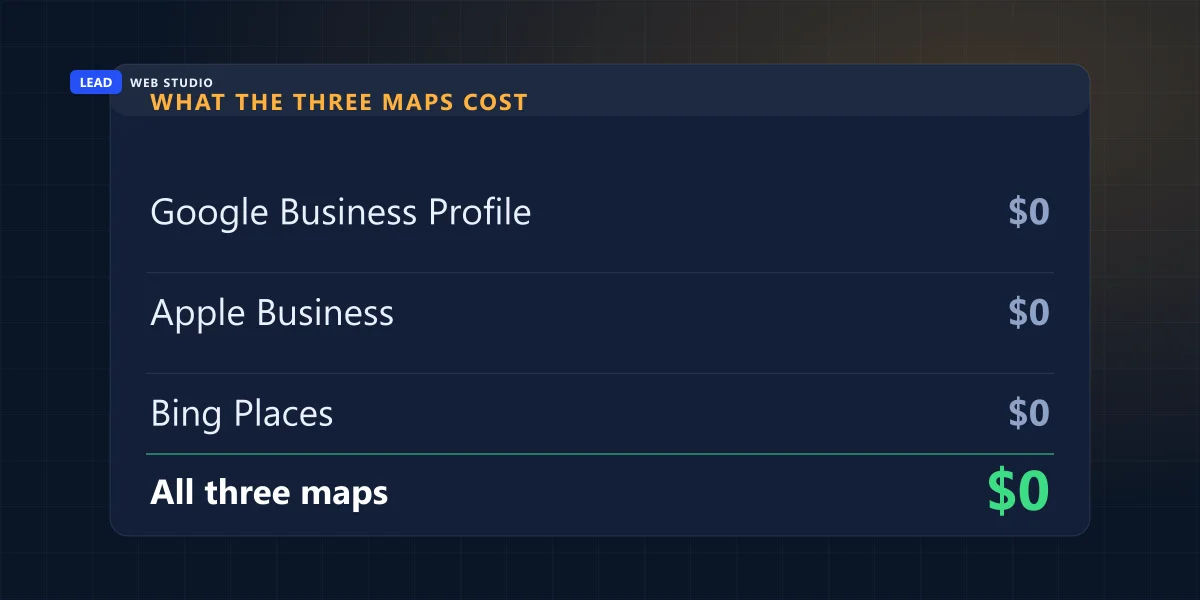
There is no paid tier hiding behind any of this — Apple and Microsoft both say so in their own words, quoted above. Worth remembering the next time an email offers to get your business listed for a fee: the two-minute check before you pay a website invoice applies here too.
The part that catches service-area businesses
If customers never come to your address, settle what you are doing with it before you start. Both platforms hang the claim on a place they can verify: Apple calls the number attached to the location, Bing may only offer a postcard to the street address. A deliberately hidden address is the single field that makes this awkward on every map at once.
Before writing this I ran a read-only pass over every Google Business Profile this account manages — 19 of them, across two accounts — and counted the fields the other two maps depend on. All 19 carry a website URL, a phone number and a primary category. 18 of the 19 carry a full postal address. The one that does not is a service-area business that hides its address deliberately, which is the correct setup for how it works, and is also the one that will take the longest to claim anywhere else.
| Field on the Google profile | Present | Why the other maps care |
|---|---|---|
| Website URL | 19 of 19 | Carried across by Bing's import; it is also the link on the Apple place card |
| Phone number | 19 of 19 | Apple calls it to verify the location, so a stale number stops the claim dead |
| Primary category | 19 of 19 | Decides which searches you turn up in on every map, not just Google's |
| Full postal address | 18 of 19 | The exception is a service-area business hiding its address on purpose — and that is the hard claim |
Whether to show or hide the address is a real decision with consequences on all three maps, and I have written out the test for it in the guide on whether you qualify for a Google Business Profile at all. Make that call once, then apply the same answer everywhere.
Do this before you claim anything: open your Google Business Profile and read the business name, the address line, the suite number and the phone exactly as they are written. Bing's import copies them verbatim and Apple rings the number on file. Ten minutes there saves a week of postcards — and if a detail looks wrong and you did not change it, somebody else may have edited your listing.
What claiming these will not do
It will not move your Google rankings. Apple, Microsoft and Google run separate indexes, and nothing you type into Apple Business or Bing Places is visible to Google. So if a proposal bundles this in as a way to lift your position on Google, those two things are unconnected. Two things it does do, both worth an hour.
First, your details are correct on the default map of most phones in use in Canada, instead of whatever a data broker last recorded. Second, when somebody checks you on a platform you have never looked at, they find a page that looks maintained rather than abandoned. If it is Google rankings you are actually chasing, that is a different job and I have written it up separately: start with how the Google 3-pack is decided and what local SEO means for a service business. The SEO work and the ongoing Google Maps management are where that lives.
Microsoft says its own plans include "deeper integrations with Bing Maps and Copilot", which is a stated intention rather than something live today. I mention it because it is the honest answer to "does this help with AI search" — right now, nobody outside those companies can measure that, and I would rather tell you that than guess.
Want me to check what the maps currently say about you?
Send me your business name and city and I will look at what Google, Apple and Bing are each showing, and tell you which ones need claiming — including "all three are fine" if that is the answer. Free, no pitch. Keeping the three of them correct month to month is what Google Maps management covers, and if the website behind them is the weak link, a fast, honest website is the part I actually do for a living.
Get My Free QuoteFrequently asked questions
Is Apple Business Connect still how I get on Apple Maps?+
No. Apple announced in March 2026 that "Apple Business Essentials, Apple Business Manager, and Apple Business Connect will no longer be available once Apple Business launches", and Apple Business launched on 14 April 2026. I checked this morning: businessconnect.apple.com redirects to business.apple.com, and the older register.apple.com/placesonmaps/ address takes two hops to land in the same place.
Does it cost anything to list my business on Apple Maps or Bing?+
No, on both. Apple says Apple Business is available "as a free service in the U.S. and 200+ countries and regions". Microsoft describes the new Bing Places for Business as "a free online platform where businesses can create and manage their listings to appear in Bing search results and Bing Maps". Nobody needs to sell you either one.
How does Apple check that the business is actually mine?+
In two stages. Apple verifies the organisation once rather than every location, and Apple’s own guide says that if it is your first location and you have not verified your organisation, you have to verify it and send it to Apple for review. Then you claim the location itself: Apple phones the number it already has on record for that place and you enter the four-digit code.
Can I copy my Google Business Profile across to Bing?+
Yes, and it is the fastest route in. Microsoft’s own announcement says the import flow from Google is "faster, more reliable, and better at preserving key attributes like business name, hours, and contact details". Fix anything wrong on the Google profile first, because the import copies it exactly as written.
Will claiming Apple Maps and Bing help my Google ranking?+
No. They are different companies with separate indexes, and nothing you do inside Apple Business or Bing Places is visible to Google. The reason to do it is that your details are correct on the map that opens by default on most phones in use in Canada, rather than whatever a data broker last recorded.
My business has no storefront. Can I still claim these listings?+
You can start, but sort out the address question first. Both platforms tie the claim to a place they can verify: Apple calls the phone number on the location record, and Bing may only offer you a PIN mailed to the address. If you deliberately hide your address because you work at the customer’s place, expect the claim to take longer on both.

10+ years building websites and looking after the domains, mailboxes and Google profiles behind them for GTA trades, clinics and service businesses — which is why I am usually the one who notices the map says something nobody in the business wrote. Read my full bio · Get in touch