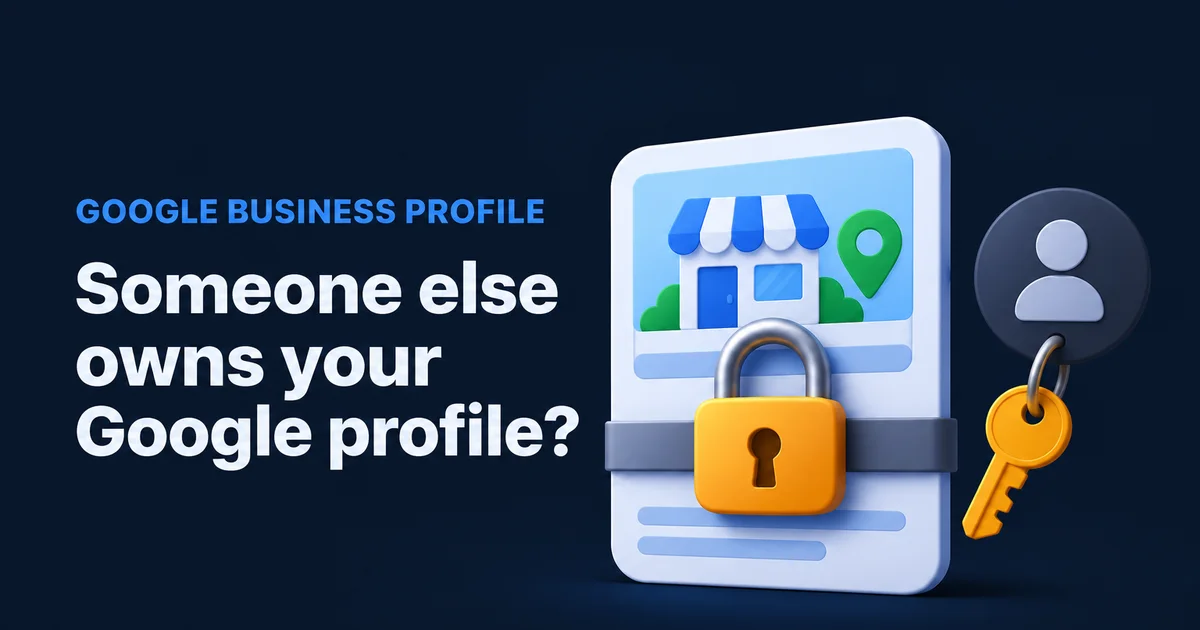
You sit down to fix your holiday hours, search your business on Google, and get a polite little message: someone else may manage this Business Profile. Under it, an email address with most of the letters hidden. It's your business, your reviews, your phone number, and you can't touch any of it. The good news is that Google has a process to request ownership of a Google Business Profile, and it got faster this year. The bad news is that half the guides online still describe the old version.
Who has my Google Business Profile?
Almost always someone you know: an old web designer or marketing agency, a former employee, a family member who set it up, a franchise head office, or you, on a Google account you forgot. Strangers holding a real business's profile are rare. Find the person first, because asking them nicely is faster than any form.
When you start the request, Google shows the current owner's email with most of it hidden. Look at the part you can read, usually the ending after the @. It tells you which road to take.
| The visible part looks like | Who it usually is | Fastest way back |
|---|---|---|
| Your own domain | You or a staff member, on an old mailbox | Recover that Google account. No request needed. |
| A web or marketing company's domain | The agency or designer who set it up | Ask them to add you as owner. It takes them a minute. |
| A personal Gmail | An ex-employee, a relative, an old freelancer | Call or text first, then send the request. |
| A head office domain | Your franchise or parent company | Ask head office. They may be the right holder. |
| Nothing you recognise | Anyone, including someone who claimed it early | Send the ownership request and start the clock. |
Ask around before you fill in anything. The nephew who "did the computer stuff" one summer, the bookkeeper, the guy who built the first website for a case of beer: one text message to the right person beats a week of forms. Check the family group chat before you check Google's help centre.
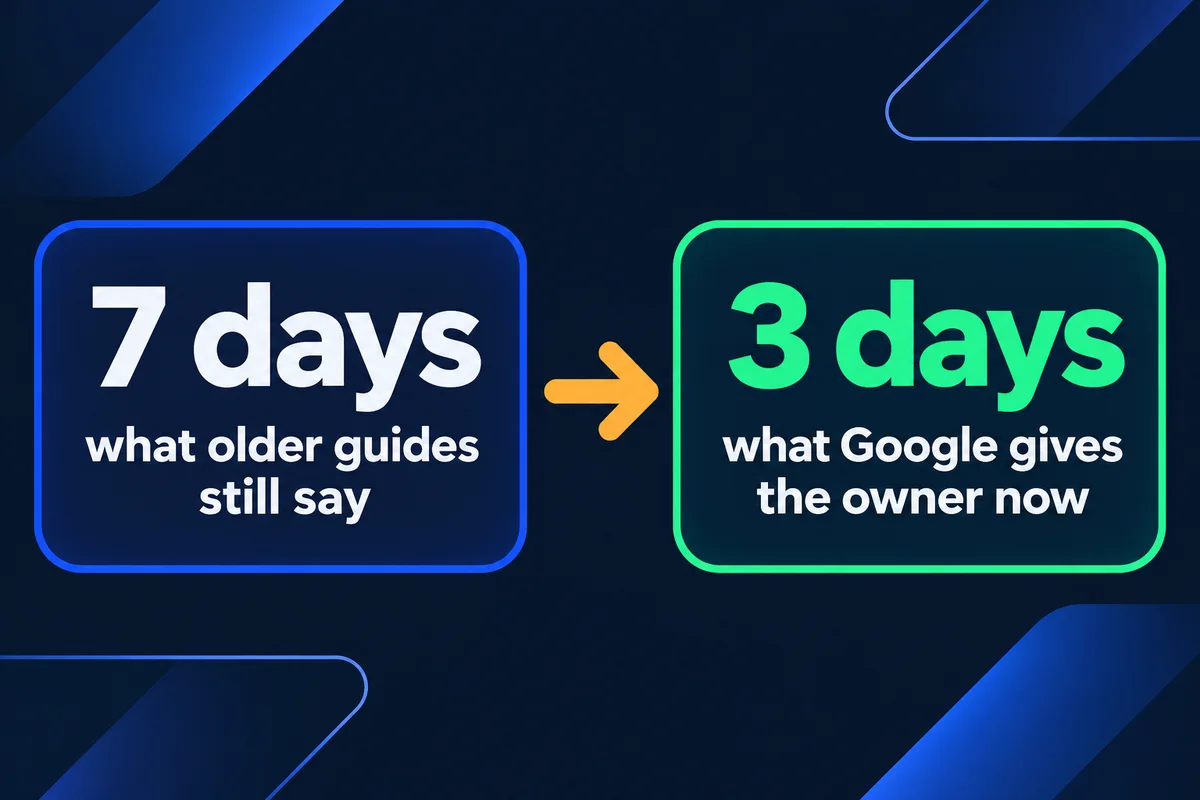
Three days, not seven: the clock Google runs now
Google's help page says the current owner gets an email and has 3 days to answer. If they ignore it, you may get the option to claim the profile yourself, then verify it. Google adds that this option "isn't always available". Most agency guides still say 7 days; that number is out of date.
So the real total is three days plus however long verification takes, and Google decides the method, not you. If it asks for a video, I wrote down what Google wants to see in my guide to Google Business Profile video verification.
Step by step: sending the request for a shop or office
This route is for a business with an address customers visit. Sign in first with the Google account you want to hold the profile for years, ideally an address on your own domain, not a personal Gmail that leaves when someone quits.
- Go to business.google.com/add.
- Type your business name and address, and pick your business from the list. Google shows the message that someone else may manage this profile.
- Choose Request access.
- Fill in the form: the access you want (ask for ownership) and how you're connected to the business.
- Press Submit, and write today's date down. You'll get a confirmation email with a link to check the status.
- Call or message the person you think holds it. If they approve, you skip the waiting entirely.
Before you press Submit, read the name, address and phone on the public listing. If a stranger edited them, fix that separately; the steps are in what to do when someone changed your Google listing.
Service-area business? There is no Request access button
If you go to customers and hide your address, Google's current help sends you to support instead of the form. Plumbers, cleaners, roofers, mobile notaries: this is your route.
Open Google Business Profile support, and in the box that asks what they can help with, type Transfer ownership of listing. Pick that same issue from the list and follow the steps.
Have ready: your business name exactly as on Google, the phone number on the listing, your website, and an email on your own domain if you have one.
Older guides tell service businesses to create a new profile, verify it by postcard, and wait for Google to flag it as a duplicate. Please don't start there. A second listing for the same business splits your reviews and calls, and cleaning that up is its own job, which I cover in how to fix a duplicate Google Business listing.
What 35 real profiles show about who should hold the keys
This morning I read the user lists of the 35 Google Business Profiles my studio looks after, through Google's Business Profile API, read-only. I counted roles only, no names. Two numbers matter for anyone reading this.
First, 24 of the 35 have exactly one owner. One person, one Google account, one phone for the security code. If that account is lost, the business ends up at the top of this page. A second owner inside the business costs nothing and turns a three-day request into a two-minute fix.
Second, on 34 of those profiles I'm a manager, not an owner. The 35th is my own studio's profile. A manager can edit everything a customer sees, answer reviews and post updates, but Google's roles page says a manager can't add or remove users or delete the profile. That's the setup I'd ask any agency for: the business owns it, the helper manages it, and nobody holds it hostage when the contract ends. It's how my Google Maps management is set up from day one.
Denied, or no claim button after 3 days
A denial isn't the end, and neither is silence without a claim option. Both lead to the same place: you prove you're the business, through Google, with documents that match the listing letter for letter.
The owner said no
Google sends a rejection email. Its help says you can still suggest edits to the public listing and can try to appeal the decision. Start from that email; if it offers no appeal, contact Business Profile support.
No answer, and no Verify option
Google says the claim option "isn't always available". When it isn't, contact Business Profile support, quote your request, and ask for the profile to be transferred.
What to gather before you write to support:
- A business registration or licence showing the exact name on the listing
- A utility bill or lease at the listed address, with the same unit number
- A photo of your sign or storefront, if you have one
- An email address on the same domain as the website on the listing
Mismatches sink these. "Unit 4" on the lease and "Suite 4" on Google looks like nothing to you and like two places to a reviewer.
The first week after you get in
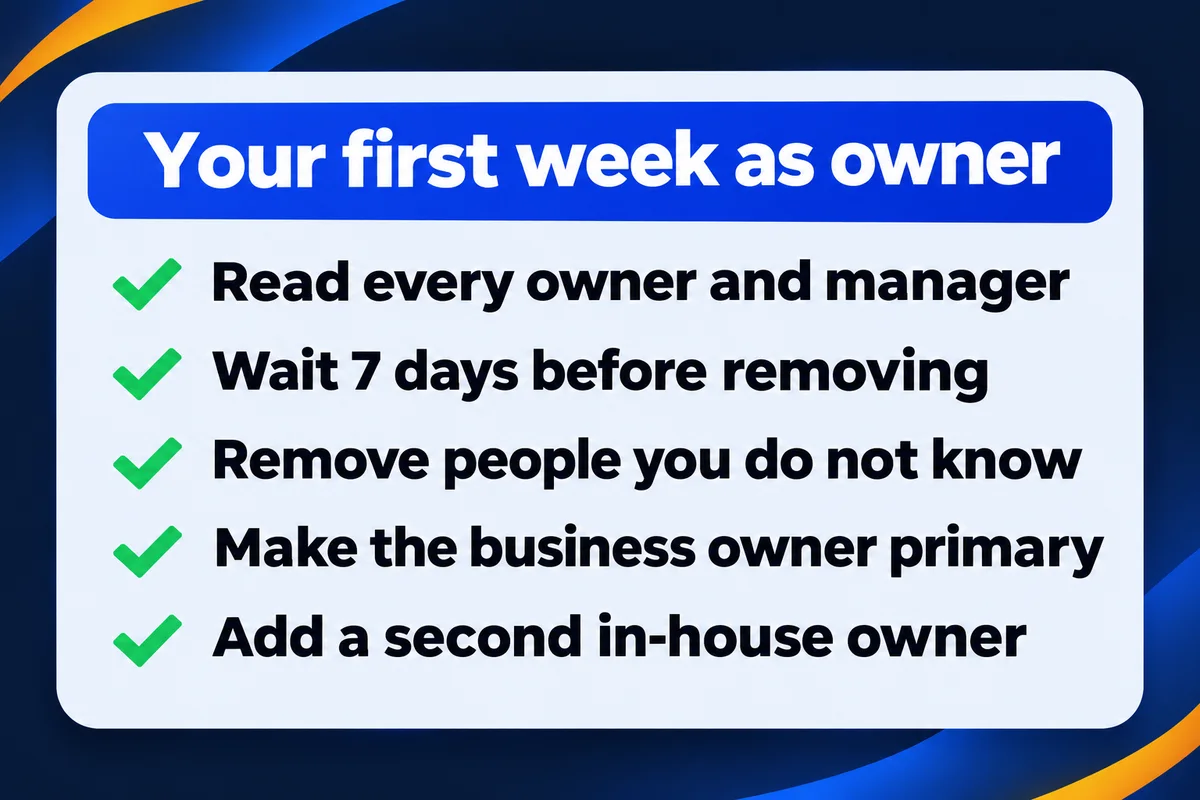
Google's roles page says every new owner or manager waits 7 days before some actions: removing other owners or managers, transferring primary ownership, and deleting or restoring the profile. Everything a customer sees you can change on day one.
- Day 1
- Fix hours, phone and website. Answer the reviews that waited for you. Read the list of owners and managers and write down every name.
- Days 2 to 7
- Turn on two-step sign-in for the account that now holds the profile. My guide to two-factor authentication for a small business covers which recovery phone to use.
- Day 8
- Remove anyone you don't know or no longer work with. Make the business owner the primary owner.
- Same day
- Add a second owner from inside the business, so one lost phone never locks you out again.
Put that day 8 in your calendar. The 7-day wait is exactly where good intentions go to die: you get the profile back, plan to tidy the user list "next week", and the old owner is still on it a year later.
Questions about getting a Google profile back
How long does the current owner have to answer my ownership request?+
Google's help page says 3 days. If there is no answer after 3 days, you may get the option to claim the profile yourself through the link in your confirmation email. Many older guides still say 7 days; Google's own page no longer does.
Will I lose my reviews if I take over the profile?+
No. Reviews are attached to the profile, not to the person who manages it. An ownership request changes who holds the keys to the same listing, so the reviews stay where customers left them. Creating a second profile instead is what puts them at risk.
Can I see who owns my Google Business Profile?+
Partly. When you start the request, Google shows the owner's email address with most of it hidden. The part you can read, usually the ending, is often enough to recognise an old designer, a former employee or your own forgotten account.
Should I just make a new profile instead of waiting?+
No. A second profile for the same business is a duplicate. It splits your reviews and calls between two listings, and duplicates tend to end in a merge or a suspension. Three days of waiting costs far less.
Why can't I remove the old owner right after I get in?+
Google makes every new owner or manager wait 7 days before some actions: removing other owners or managers, transferring primary ownership, and deleting the profile. You can edit hours, answer reviews and post during that week. Write the clean-up date in your calendar.
Sources, read on 21 November 2026: Google Business Profile Help, request ownership of a Business Profile; Google Business Profile Help, manage owners and managers; Google Business Profile Help, duplicate profiles and ownership issues. Role counts: the 35 Business Profiles my studio manages, read through Google's Business Profile API on 21 November 2026. Nothing was changed, and the businesses aren't named.
Locked out of your own Google profile?
Send me the link to your listing and the part of the owner's email you can see. I'll tell you which of the routes above fits your case.
Get My Free Quote
I build websites for small businesses around the GTA and look after their Google Business Profiles as a manager, never as the owner. Read my full bio · Get in touch