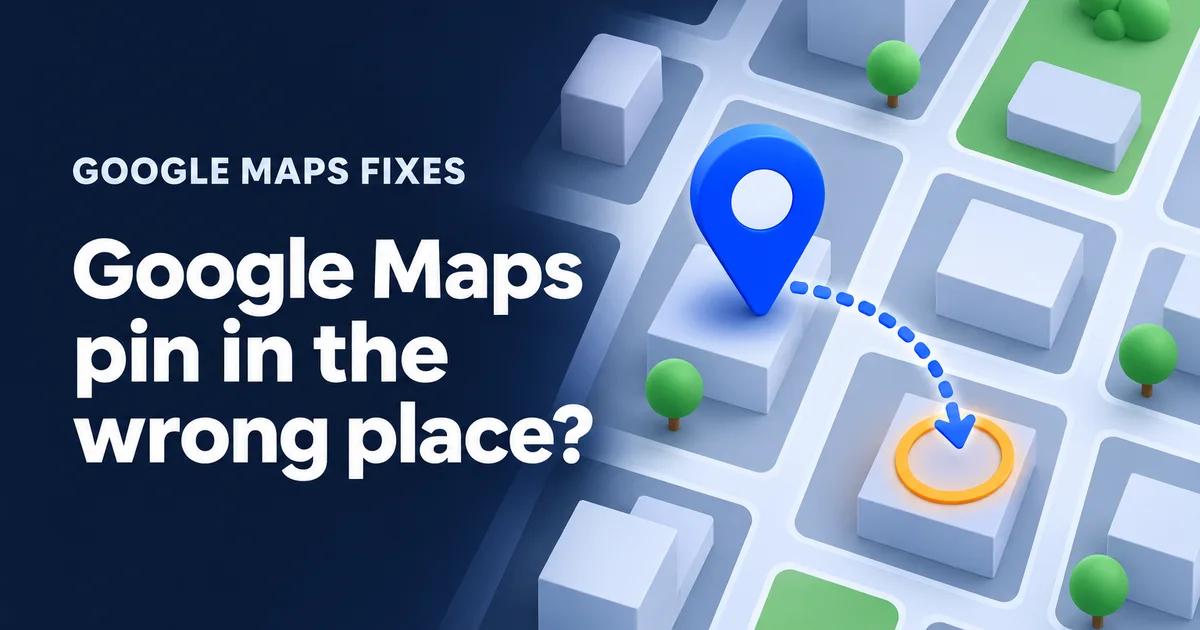
A customer calls from the parking lot of the plaza next door. Google Maps told them they'd arrived. You walk out, wave, and later find the red pin for your business sitting on a dry cleaner two units down. A Google Maps pin in the wrong place costs you real visits, and the advice online splits in two: "drag it back in your dashboard" and "never touch it or you'll get suspended". This morning I read the pins of the 35 Google Business Profiles my studio looks after, to see where pins actually come from and how far off they really are.
Why is my Google Maps pin in the wrong place?
Most often because nobody ever placed it. When a profile is created, Google turns the street address into a point on the map by itself. On a plaza, a corner lot, a rural property or a new build, that point can land on the lot's centre, the road or a neighbour. Less often, an edit by Google or a stranger moved it.
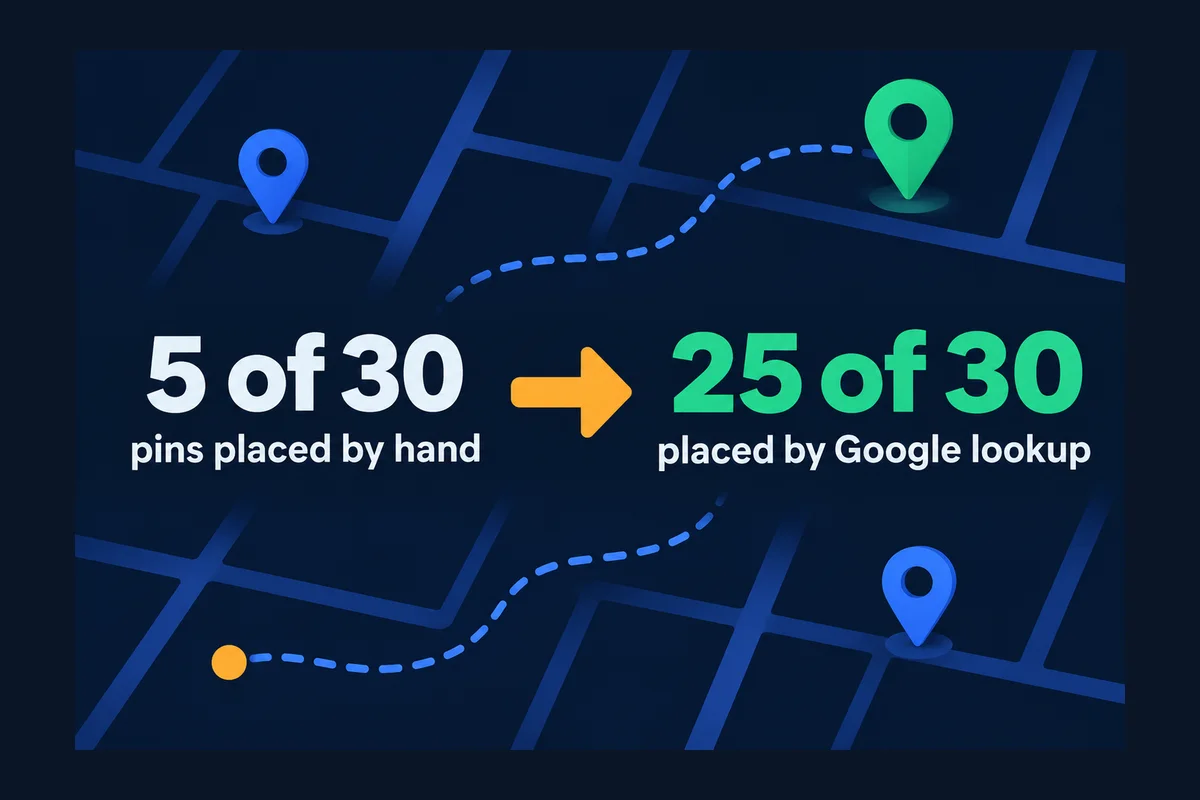
Those 30 squares are the 30 of my 35 profiles that show a street address. Google's Business Profile API has a field for a pin a person placed, which its developer reference calls "User-provided latitude and longitude". Only 5 of the 30 have it filled in. The other 25 sit wherever Google's own lookup decided the address is. Nobody ever looked, because nobody had a reason to. That's normal, and it's also why the first customer to get lost is usually how an owner finds out.
Is it actually wrong? Measure it before you move it
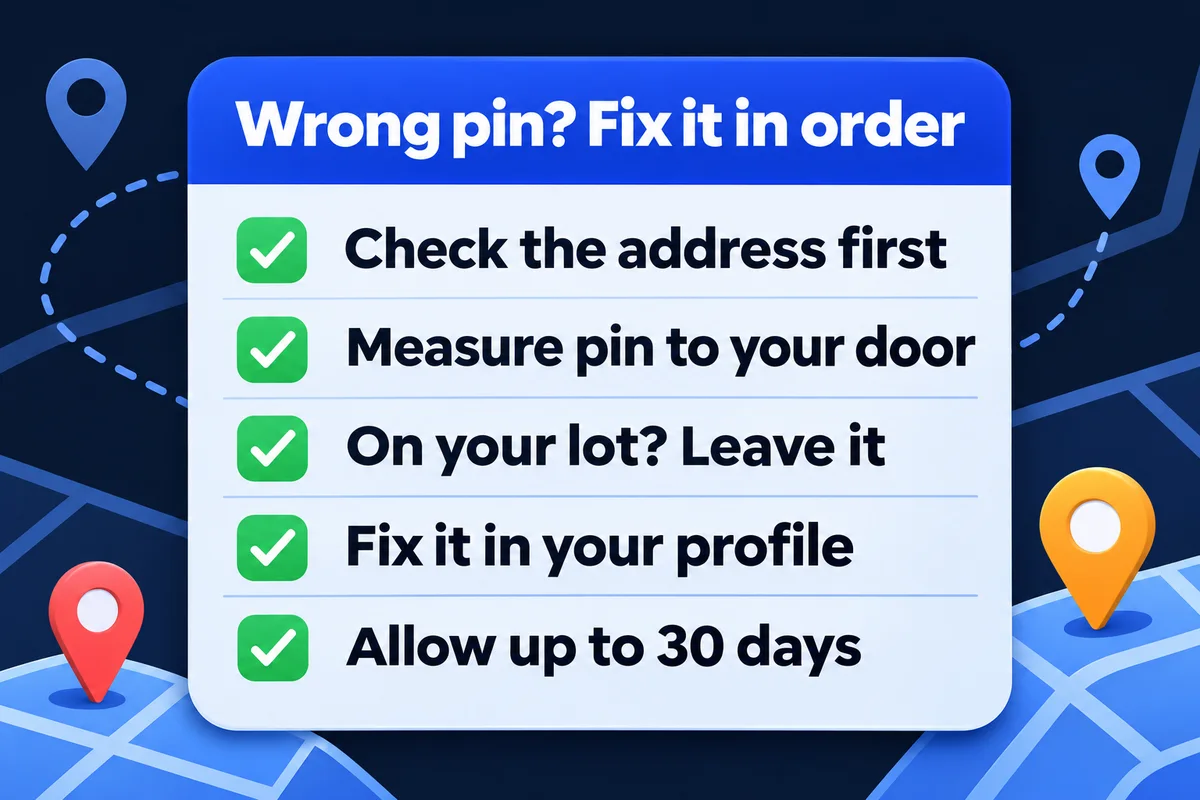
Measure the distance from the pin to your front door. If the pin is on your building or your own lot, leave it: directions will bring people to you. If it's on another building, across the road or more than a lot away, fix it. On a computer, right-click the pin in Google Maps, choose Measure distance, and click your entrance.
To see what "off" looks like in real numbers, I took the 5 hand-placed pins and measured each one against a second, independent address lookup, OpenStreetMap's. Both answers are points for the same address, so the gap shows how much two honest systems disagree.
| Kind of place | Gap between the two points | What a gap that size means |
|---|---|---|
| Office in North York | 8 m | The same building. Nothing to do. |
| Business in Hamilton | 32 m | A lot's depth: front door versus the middle of the lot |
| Business near Erin | 36 m | The house versus the driveway on a country lot |
| Office in North York | 44 m | Could be the next unit of a plaza. Worth a look. |
| Rural address near Georgian Bay | 467 m | The road frontage versus the building far back on the land |
The 467 m one looks alarming and it isn't: on big rural lots an address lookup tends to drop the point where the property meets the road, while a pin placed by hand is meant to sit on the building itself. That's the job a hand-placed pin does. The 44 m one is the one I'd walk over and check, because in a strip plaza 44 m is two or three storefronts.
So the number alone doesn't tell you who's right. Your eyes on the satellite view do. If the pin sits on your roof, close Google Maps and go back to work.
Two ways to move a pin, and when to use each
Use your Business Profile when the address itself is wrong or you've moved. Use Suggest an edit on Google Maps when the address is right and only the pin is off. Both are reviewed by Google before anything changes on the map. Big jumps are where the trouble starts, on either route.
Edit the location in your Business Profile
For: a wrong or changed addressOnly owners and managers can do this. Google places the pin again from the address you save.
"If you move your business to a new address after it's verified, you must verify your business again."
Review time, from Google's help on edits: usually up to 10 minutes, sometimes up to 30 days.
Suggest an edit on Google Maps
For: the right address, a pin that's offOpen your listing in Maps, choose Suggest an edit, then Wrong pin location or address, and drag the map under the pin.
"Edits that try to significantly change a business may be rejected."
No promised review time. Google's Maps help on wrong pins lists the steps.
The rule about verifying again is the thing people mean when they say "moving the pin gets you suspended". A pin moved 30 m onto your own entrance is a correction. A pin moved across town reads like a new address, and a new address means proving the business again. If your pin was dragged hours away, as some agencies report from client cases, change nothing in a hurry. Fix the address field first if it changed, and expect Google to ask for verification. I wrote up what that process looks like in the video verification guide, and what to do if a profile gets switched off in my guide to a suspended Google profile.
One piece of advice I'd skip: "get a friend's account to suggest it, so it looks like a customer". Anyone can suggest an edit on Maps, owners included, and Google reviews them all. Pretending to be a stranger adds nothing but a story you'd rather not tell support later.
What Google tried to change on 7 of our 35 profiles
Pins and addresses also drift without anyone in your business touching them. The API marks a profile when Google has its own version of some details waiting for the owner to accept or reject. Seven of the 35 had that mark today. I asked Google which of the address, pin, name, phone, hours, website and category it wanted to change.
- 1 profile, North York
- Google proposed its own pin. I measured it against the owner's: 3 m apart. Harmless, but a sign Google re-checks pins on its own.
- 1 profile, Scarborough
- Google rewrote the address: one line instead of three, and a different city name, with the same postal code. Accept that without reading and the suite number is gone, which is exactly how couriers end up at the wrong door.
- 1 profile, Toronto
- Google proposed a different business name and different hours. Nothing about location.
- 4 profiles
- Flagged, but no difference on any of the seven details I asked about. The change was somewhere else in the profile.
If your profile shows a notice that Google updated some of your details, open it and read the address and the pin before you press anything. Changes made by strangers through Suggest an edit work the same way, and I cover how to spot and undo them in someone changed my Google listing.
Step by step: fixing a pin that really is wrong
Do these in order. The first two cost nothing and catch the cases where the pin is fine and the address isn't.
- Open your profile and read the address character by character: unit number, street type, city, postal code. A missing suite or "St" versus "Ave" is enough to move a lookup. 2 min
- In Google Maps on a computer, measure from the pin to your entrance with Measure distance, using the satellite view. 2 min
- If the pin is on your building or lot, stop here. Fix the address if step 1 found a mistake, and let Google re-place the pin. 1 min
- If the address is right and the pin is off, use Suggest an edit on Maps and put the pin on your main entrance, the door a customer walks through. 3 min
- If you moved, change the address in your Business Profile instead and get ready to verify again. My guide to moving a business to a new address has the order for the profile, the website and the listings. varies
- Check again after a few days. Google's own window for profile edits runs up to 30 days. If nothing has changed by then, contact Business Profile support with a photo of your entrance and the street sign. up to 30 days
What if you hide your address?
32 of the 35 profiles I read have a service area set, and most of those are trades that go to the customer. If your address is hidden, people see your service area on Maps, not a pin on a building, so a slightly-off pin sends nobody to the wrong door.
Keep the hidden address correct anyway. It's the one you verified with, and Google still uses where you are when it decides who sees you for nearby searches. I explain how that works in how to show up for "near me" searches.
For a shop, a clinic or an office that customers walk into, the pin is the front door of your business on the internet, and it's worth two minutes a year. If you'd rather someone else watched it, every plan of my Google Maps management includes a shield that checks the profile every 5 minutes.
Questions about a pin in the wrong place
How long does it take Google to move my pin?+
For an edit made in your Business Profile, Google says edits usually take up to 10 minutes to review, but sometimes up to 30 days. A suggestion made on Google Maps gets no promised time. If nothing changes after 30 days, contact Business Profile support with a photo of your entrance and the street sign.
Can moving my pin get my profile suspended?+
Google's help says that if you move your business to a new address after it is verified, you must verify it again. A big jump of the pin can be treated the same way. A short move onto your own building is a correction, not a move. For a big jump, change the address first and expect to verify.
Why does Google Maps send customers to the back of my building?+
Directions go to the pin, and a pin placed by an address lookup often lands on the middle of the lot or the point where the address meets the road. On a plaza or a corner lot that can be the wrong door. Move the pin onto your entrance.
My pin is right but Google keeps changing my address. Why?+
Google can propose its own version of your details. On one profile I read, Google wanted one address line instead of three and a different city name with the same postal code. If your profile shows updates from Google, check the address before you accept them.
I hid my address. Do I still need to worry about the pin?+
Less. When the address is hidden, customers see your service area, not a pin on a building. Google still keeps the address you verified with, so keep it correct, but there is no door for a wrong pin to send people to.
Sources, read on 19 November 2026: Google Business Profile Help, edit your profile; Google Business Profile Help, edit review times; Google Maps Help, wrong pin location; Google Maps Help, edit place information; Business Profile API reference. Pin data: the 35 Business Profiles my studio manages, read through Google's Business Profile API on 19 November 2026; hand-placed pins compared with OpenStreetMap's address lookup. Nothing was changed, and the businesses aren't named.
Pin on the wrong building?
Send me your Google Maps link. I'll measure where the pin sits against your door and tell you which of the two routes to use.
Get My Free Quote
I build websites for small businesses around the GTA and look after their Google Business Profiles, pins included. Read my full bio · Get in touch