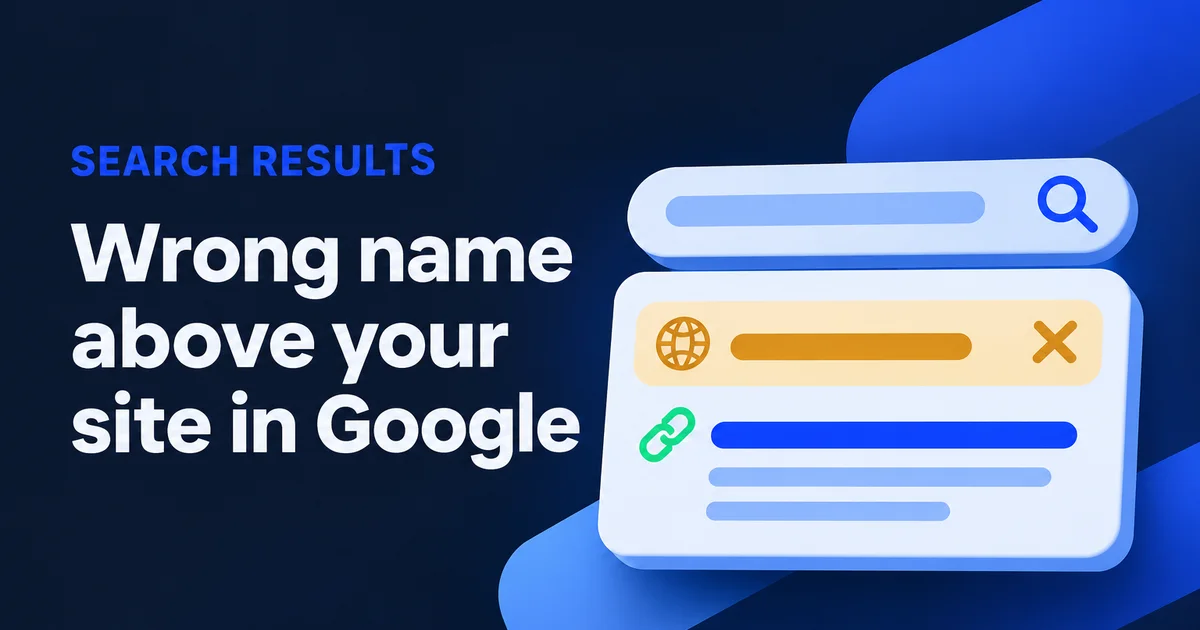
You search your own company, and Google shows a different name above your link: your domain, a tagline, "Physiotherapy Toronto", or the name of the theme the site was built on. The headline is right, the address is right, but the small grey name next to your icon is wrong. When Google shows the wrong site name like this, the cause almost always sits on one page you can fix: your home page.
I build and look after websites for small businesses around Toronto, and this one annoys owners more than its size deserves. It's your name, after all. The good news is that nobody needs to call Google. The fix is a few lines of text on your own site, plus some patience.
Why does Google show a different name for my website?
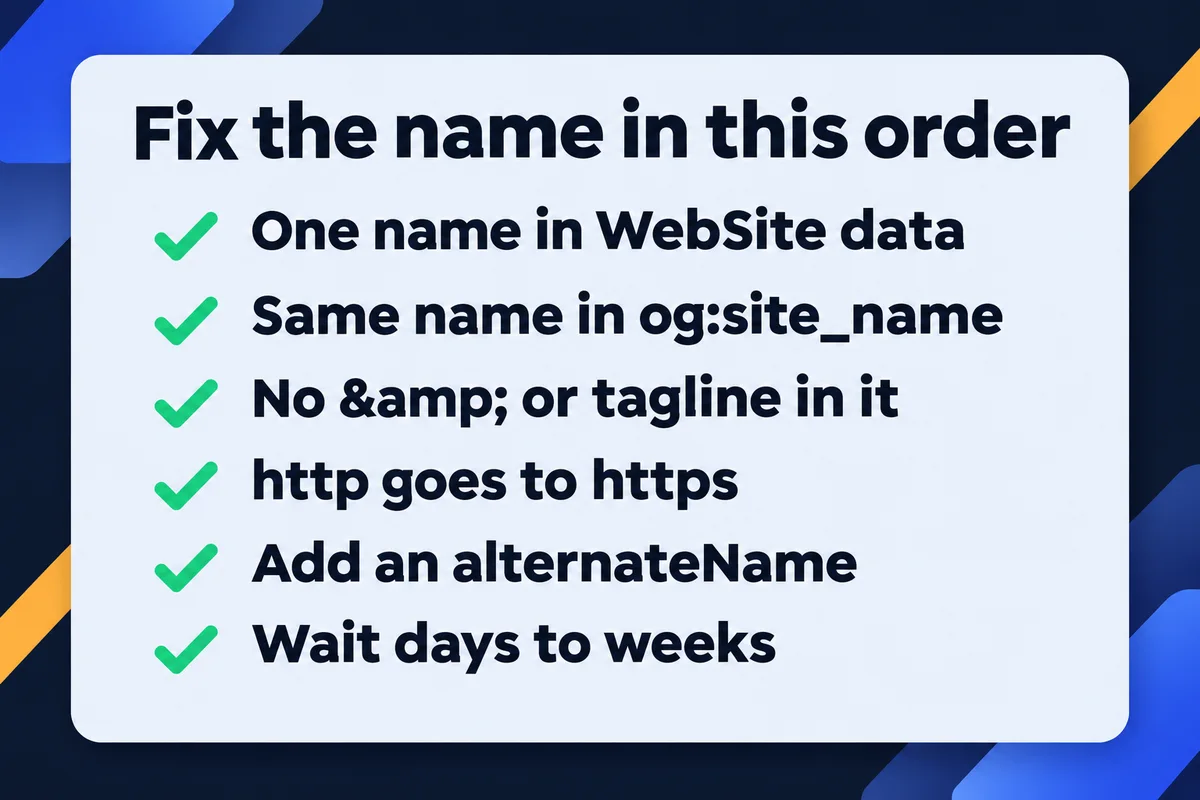
Google builds the site name from your home page and from how other sites refer to you. It reads the WebSite structured data first, then the og:site_name tag, the page title and the headings. When those are missing, disagree or carry a tagline, Google picks what it trusts most, and that may not be your name.
It is one name per domain. A page deep inside your site can't have its own, and Google doesn't support names for folders such as /blog/. A subdomain like shop.yourdomain.ca can have its own name, and borrows the main one when it says nothing. All of that comes from Google's site names documentation, which I read again today before writing this.
The four places on your home page where Google reads the name
Here is a stripped-down home page of a made-up roofer, with the four spots numbered. Yours has more around it, but these lines are the ones that decide the name.
<head>
  <title>Roof Repair Toronto | Example Roofing</title>3
  <meta property="og:site_name"
        content="Example Roofing">2
  <script type="application/ld+json">
  {"@context": "https://schema.org",
   "@type": "WebSite",
   "name": "Example Roofing",1
   "alternateName": "example.com",
   "url": "https://example.com/"}
  </script>
</head>
<body>
  <h1>Example Roofing: roof repair in Toronto</h1>4
- The WebSite block. Google calls it the most important signal when you want to state a preference. It belongs on the home page only, with a name and the home page address. A second, optional field called alternateName lists other names you answer to.
- The og:site_name tag. Facebook and LinkedIn read it for link previews, and Google considers it too, so it should say exactly what the block above says.
- The page title. Google reads it, but a good title carries a service and a city, which is one reason it loses to the first two.
- Headings and other text on the page, plus the way other websites mention you. You can't control that last part directly, which is why spots 1 and 2 matter so much.
If the words "structured data" are new to you, it's a small block of code that describes the page to search engines in a fixed format. I explain it without the jargon in what schema markup is.
What I found on 36 local business home pages
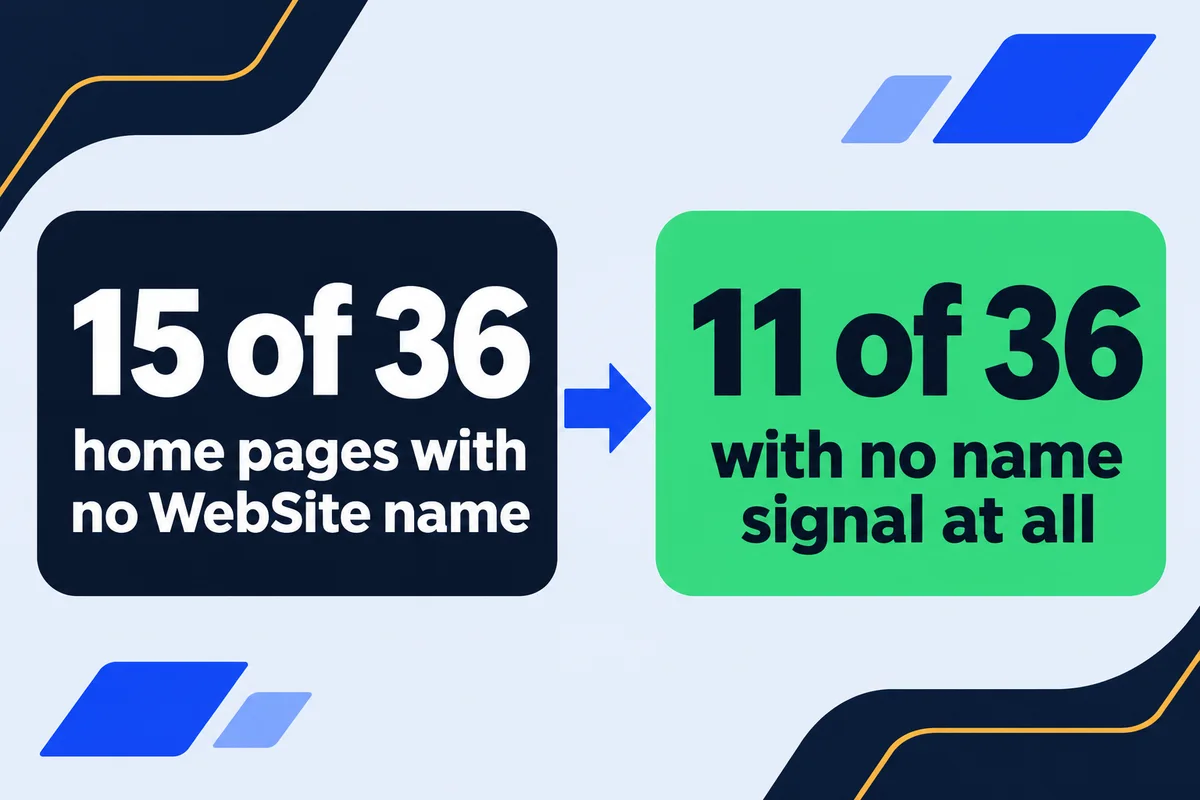
This morning I read the home pages of 38 Ontario roofers and health clinics, a list I keep for measurements like this one. I used plain read-only requests, the same thing a browser does when it opens a page. 36 answered. Nothing was logged into or changed, and I'm not naming anyone.
Eleven of these businesses give Google nothing to work with except the title and the headings, so Google has to guess. One clinic did state a name, and the name it chose is a city plus a profession, which is close to Google's own example of a name it's unlikely to pick.
The five with a mess inside the name are my favourites. Four write & in the data, which in this format is not an ampersand but five separate characters. The fifth has a backslash sitting in front of its apostrophe, because a plugin escaped it once too often. Google may tidy those up on its own. I wouldn't bet my business name on it. And among the long ones, one site's name is its slogan in capital letters, and another lists four services after the clinic name.
Five faults behind a wrong site name, and the fix for each
Between my 36 home pages and Google's own troubleshooting list, the causes sort into five groups. Find yours in the first column.
| The fault | What Google sees | The fix |
|---|---|---|
| No WebSite block and no og:site_name | Only your title and headings, which often start with a service | Add both, with the same name |
| The name carries a slogan or a list of services | A long phrase that gets cut or replaced | The name alone; the services go in the title |
| A generic name such as a city plus a trade | A phrase Google says it's unlikely to choose | Use your actual business name |
| Two spellings, or & and backslashes in the name | Signals that disagree or look broken | One spelling in every spot, plain characters |
| An old http copy or a second home page | A different page with different signals | Send every version to one https home page |
There's a sixth cause I see less often: a home page that redirects somewhere else. Google takes the name from wherever the redirect lands, so a home page that forwards to a booking platform can end up named after the platform.
One WebSite block, before and after
Here is a block that packs together the faults I counted this morning, and the same block fixed. The business is invented; each fault in its name was on at least one of the 36 real pages.
{"@type": "WebSite",
 "name": "Smith & Sons Roofing | Roof Repair, Flat Roofs, Eavestroughs",
 "url": "http://www.example.com"}
{"@context": "https://schema.org",
 "@type": "WebSite",
 "name": "Smith & Sons Roofing",
 "alternateName": ["Smith and Sons Roofing", "example.com"],
 "url": "https://example.com/"}
- The & became a plain &, because this block is JSON, not HTML.
- The services moved out of the name. They belong in the page title, where they help people find you.
- The address is now the https home page, the one Google should treat as the real one.
- The alternateName list goes in order of preference, and Google suggests the domain in lowercase as a backup entry.
One warning before you paste anything. If your site runs an SEO plugin, it probably prints a WebSite block already, and Google asks for one such block, not two. In that case change the site name in the plugin's settings and leave its code alone. On a hand-coded site like the ones I build, it's two lines in the home page, and on this site they both say Lead Web Studio.
Check the http copy your browser hides from you
Chrome quietly upgrades http addresses to https, so you might never see an old page sitting on plain http. Googlebot does see it. Google's John Mueller described a case this year where a server's default http page, invisible in Chrome, fed Google the wrong site name and icon. In my 36, one home page still answered on plain http with a full page instead of sending the visitor on to https.
To check yours, open a command prompt on Windows or Terminal on a Mac and type this line with your own domain:
A 301 with a Location line pointing at https is what you want. A "200 OK" means a second home page exists, and your host can switch on the redirect for you. If you're curious what else goes wrong around https, I covered the warnings in website says not secure.
How long until Google shows the new name?
Google's own estimate is several days to several weeks after it crawls your home page again, and pages deeper in the site can catch up later than the home page. You can ask for a fresh crawl of the home page with the URL Inspection tool in Search Console. After that, the only thing left to do is wait.
Changes on your side and Google's crawl schedule are two separate clocks. I explain the second one in how long Google takes to pick up a page. If a few weeks pass and Google still ignores the name you gave it, its documentation lists a fallback order. Each step is a small edit to the same block:
- Add your preferred name to alternateName as well as to name.
- Add your domain in lowercase as another alternateName, written as example.com and not Example.com.
- As a last resort, use the domain itself as the name.
There is no form to change a site name by hand. Google can't override its automatic choice on request, and its documentation sends anyone stuck to the Search Central Help Community. The small icon next to the name has its own set of rules, which I went through in favicon not showing in Google.
Frequently asked questions
Can I just tell Google what my site name is?+
Not by hand. Google can't change an automatically chosen name on request. What you control is the WebSite structured data on your home page, which Google treats as the strongest signal, plus the og:site_name tag and your title.
Why does Google show my domain instead of my business name?+
Usually because the home page gives no clear name, or the places Google reads disagree, so it falls back to something it is sure of. Add a WebSite block and an og:site_name tag with the same name, then wait for Google to crawl the home page again.
Can my blog have its own site name?+
Only if it lives on a subdomain. Google supports site names for domains and subdomains, not for folders, so blog.yourdomain.ca can have its own name and yourdomain.ca/blog/ can't.
Does a wrong site name hurt my ranking?+
Google doesn't say it does. It changes what people see above your link, though, and a strange name next to your listing can make fewer people click it. That's reason enough to fix it.
How long can a site name be?+
Google sets no limit, but long names may be cut on some devices, and it asks for a short name people actually use. Your business name without "Inc." or a slogan is the safe choice.
If you'd like this looked at as part of the rest of your search setup, it's one of the first things I check in SEO work for a new client.
Sources, read on 20 November 2026: Google Search Central, Provide a site name to Google Search; Search Engine Journal, Hidden HTTP page can cause site name problems in Google. Site data: home pages of 38 Ontario business sites requested on 20 November 2026, 36 read, plus one plain http request to each. Nothing was logged into or changed, and the businesses aren't named.
Wrong name next to your listing?
Send me your web address. I'll read the four spots on your home page and tell you which one Google is listening to.
Get My Free Quote
I build hand-coded websites for small businesses around the GTA and set up the name, icon and preview each one shows in search and social apps. Read my full bio · Get in touch